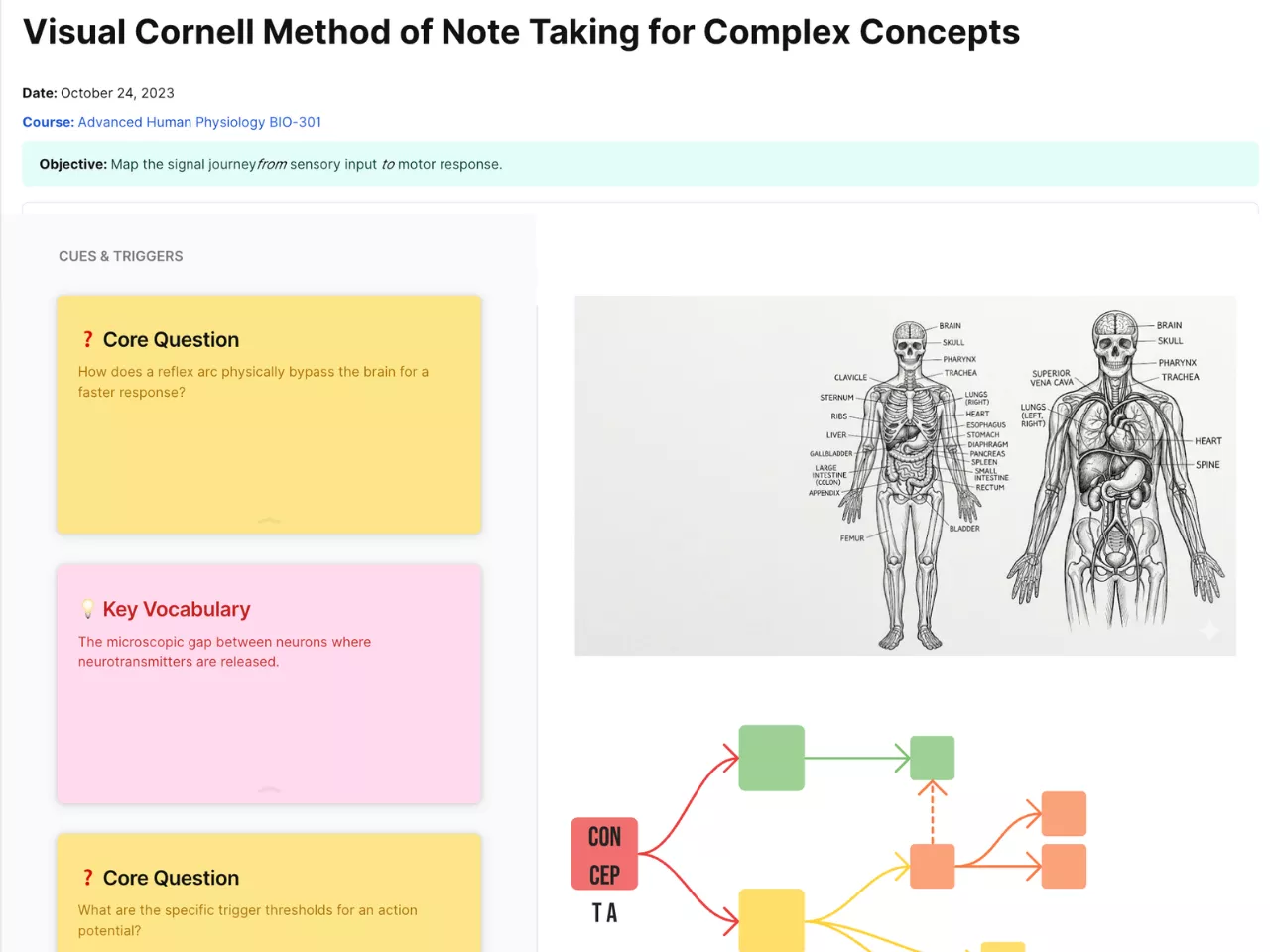
Visual Cornell Method of Note Taking for Complex Concepts
Unlock deep learning with our Visual Cornell Method Template. Perfect for students and pros tackling complex concepts. Structure, visualize, and retain more in AFFiNE.
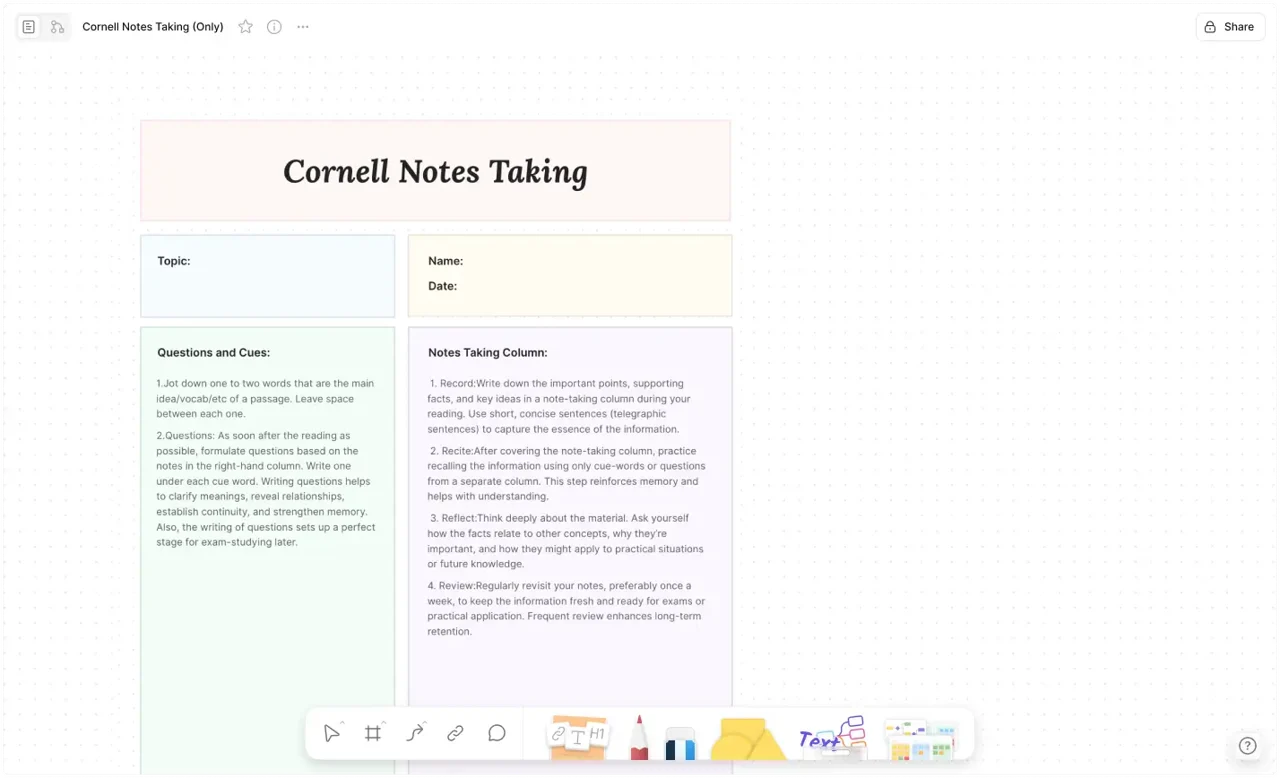
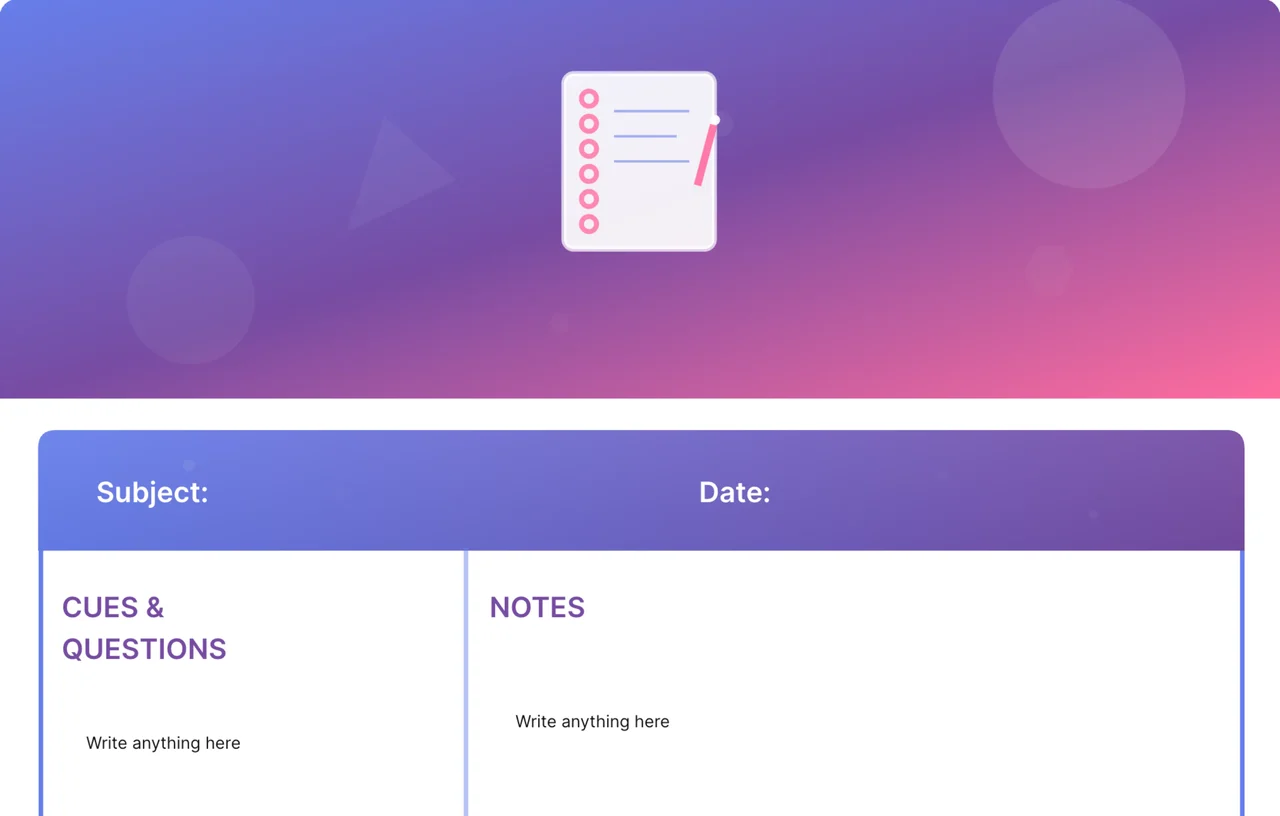
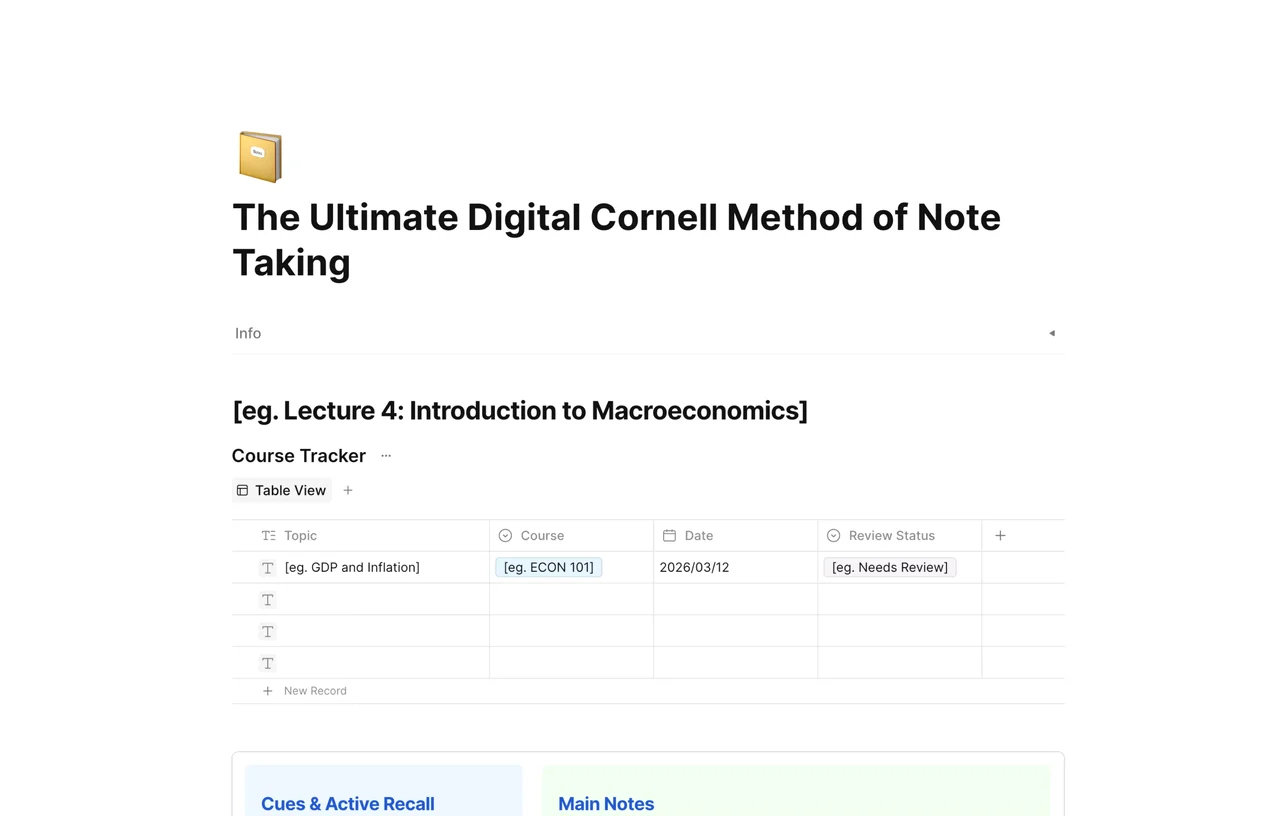
When you're tackling high-level academic research or intricate technical systems, standard linear notes aren't enough. The Visual Cornell Method of Note Taking for Complex Concepts is designed to solve the "information overload" problem. Developed by Walter Pauk at Cornell University and now supercharged by AFFiNE’s spatial canvas, this template helps you move beyond passive recording to active knowledge synthesis. By integrating visual mapping with the rigorous Cornell structure, you can deconstruct complex ideas into clear, actionable insights.
The traditional Cornell system is world-renowned for its effectiveness in fostering active recall and spaced repetition. However, when dealing with "Complex Concepts," you need more than just text—you need spatial logic. This AFFiNE template provides a hybrid environment where structured columns meet an infinite canvas, allowing your brain to visualize connections that would be lost in a standard notebook.
Complex concepts rarely follow a straight line. Our template leverages AFFiNE’s Edgeless Mode, allowing you to expand the "Notes" section into a visual brain-dump. You can drag and drop images, link blocks, and draw connections between disparate data points. This visual cues approach enhances cognitive encoding, making it much easier to recall information during exams or high-stakes presentations.
The left-hand "Cues" column is the heart of the Cornell system. In this template, it serves as your self-testing dashboard. By distilling a lecture or a technical paper into key questions and keywords, you create a built-in study guide. AFFiNE’s clean interface ensures that when you cover the main notes to test yourself, the cues remain visible and organized, facilitating a more effective active recall session.
The "Summary" section at the bottom forces you to answer the question: "What is the big picture?" This template provides a dedicated space to synthesize the entire page into a 2-3 sentence power-summary. In the digital workspace of AFFiNE, these summaries become searchable, turning your individual notes into a structured, interconnected personal knowledge base (PKM) that grows with your expertise.
Record: Use the main "Notes" section during your study or meeting.
Refine: Immediately after, fill in the "Cues" with keywords and questions.
Visualize: Use the surrounding canvas to draw relationships between complex sub-topics.
Recapitulate: Write your summary at the bottom to lock in the learning.