How to Create a Knowledge Base: Steps, Examples, and Templates
Start with one audience, verify the answers, assign owners, and test whether readers can complete the task.

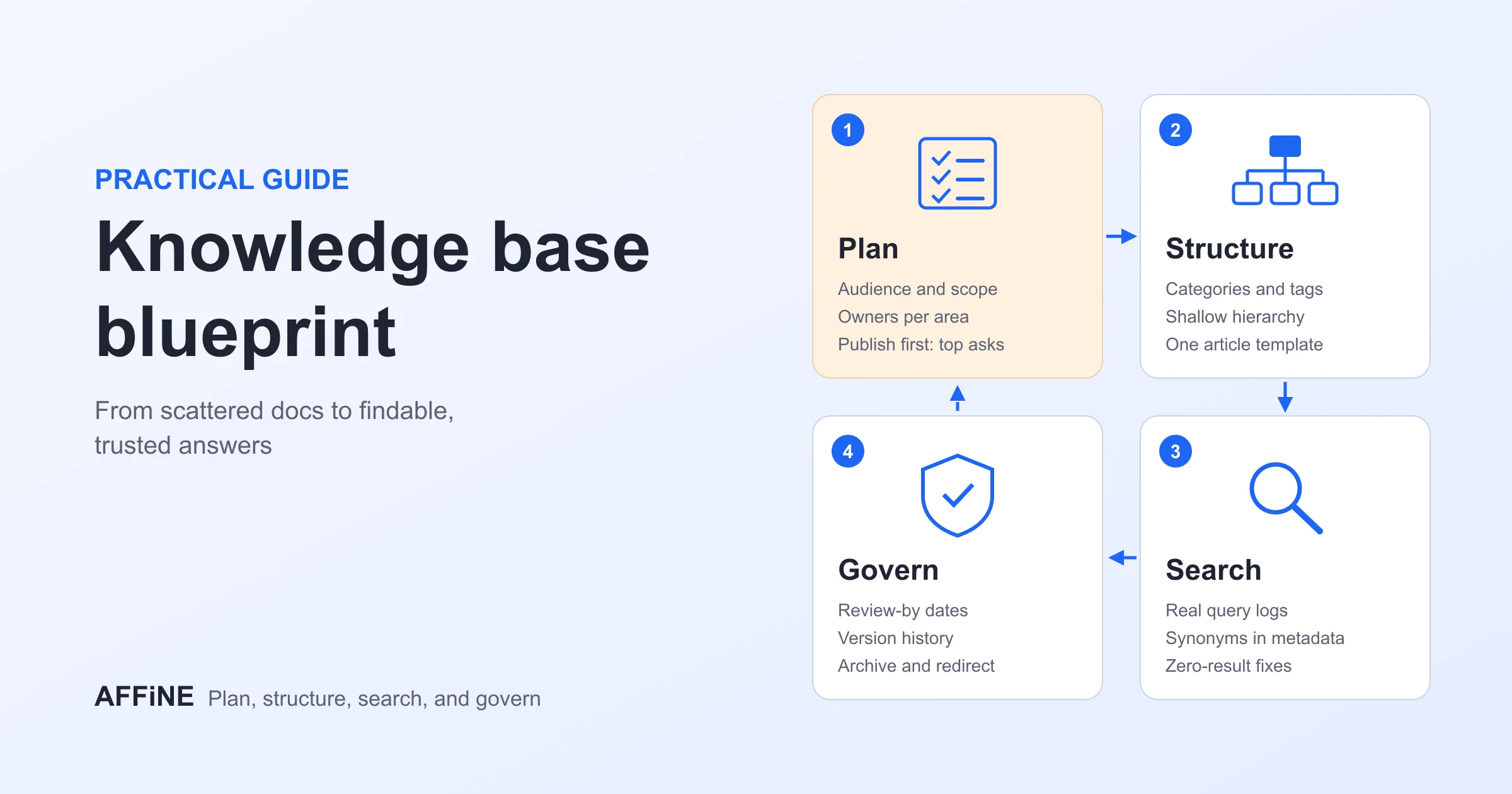
The best way to create a knowledge base is to start with one audience and a small set of recurring questions. Verify the existing answers, assign an owner, organize pages around tasks, and write instructions with prerequisites and exceptions. Ask representative readers to complete those tasks, fix what blocks them, and set a review process before expanding. Buying software or importing every document does not establish that the answers are useful or current.
Free download: this practical guide includes a downloadable knowledge-base starter ZIP. It contains a fictional team's onboarding page, access procedure, decision record, article template, ownership register, and pilot worksheets. These are editable examples, not a customer case study or a tested AFFiNE workspace export. Owner, status, and review-date fields are maintained manually.
Editorial note: Published by AFFiNE. Product references were checked against official documentation on October 18, 2026; the workflow below is an editorial recommendation, not a product benchmark. For definitions, see what a knowledge base is.
When a Team Needs a Knowledge Base
What a Knowledge Base Actually Is
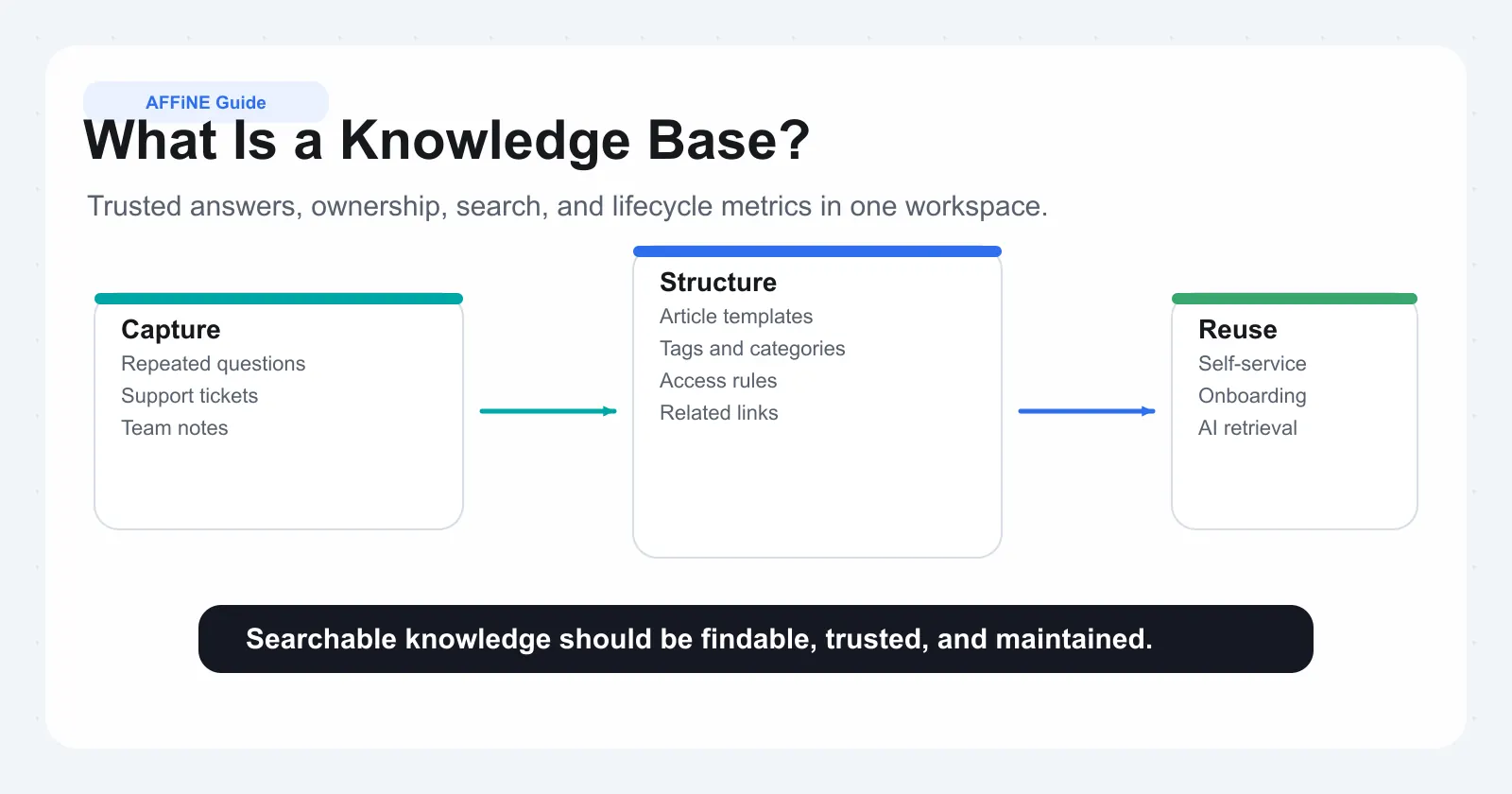
A knowledge base is an organized collection of answers that a defined audience can find and use. It can include procedures, troubleshooting guides, policies, and decision records. A wiki can provide the collaborative editing system underneath it; a wiki does not mean everyone can edit everything.
Why Teams Invest in a Knowledge Base
Use a knowledge base when repeated questions, conflicting instructions, or dependence on one colleague delay work. Start by recording those problems in your own team. Do not treat a generic industry percentage as evidence that your project will reduce tickets or save a particular number of hours.
Step 1: Define Your Knowledge Base Type and Goals
Internal vs External Knowledge Bases
| Audience | First useful content | Boundary to check |
|---|---|---|
| Employees | Onboarding, access requests, operating procedures | Only the intended readers can see internal material |
| Customers | Setup, common errors, account help | Public guidance contains no internal diagnostics or private records |
| Both | Separate internal runbooks and customer explanations | Test each audience separately; a page label is not an access control |
The internal/external example shows how the same fictional access problem becomes two different articles.
Setting Measurable Goals for Your Knowledge Base
Write a task-based goal: “A new joiner can find the access-request instructions and identify the right next step without a colleague explaining the page.” Record the baseline and repeat the same task after revision. If you choose a target such as fewer repeated questions, define its denominator, observation period, and what counts as a repeat. Page views alone do not show that a question was resolved.
Identifying Your Core Audience
Pick one audience, its common questions, and its existing vocabulary. Ask an experienced colleague which exceptions the page must cover, then ask a less experienced reader which terms are unclear. The author and reader should not be the same person for the first usability check.
Step 2: Audit Your Existing Knowledge and Plan Content
Running a Knowledge Audit
List the current source, its owner, its audience, and whether it conflicts with another answer. Use the knowledge register CSV. Keep an original file when formulas, signatures, formatting, or historical evidence matter; write a maintained explanation that links to it.
Prioritizing What to Document First
Choose recurring questions with a clear owner and verifiable answer. Resolve contradictory instructions before importing them. Keep unresolved items marked as drafts and identify who can settle them. A useful first set might cover onboarding, one access procedure, a frequent troubleshooting task, and a decision behind that procedure. This is a starting example, not a required article count. The team knowledge base guide adds a team-by-team list of what to document first and the setup we rebuilt from this starter in AFFiNE.
Creating a Realistic Project Timeline
Plan around deliverables: agreed scope, reviewed drafts, a reader pilot, and fixes. The time depends on source quality and reviewer availability. A small pilot can be scheduled over a short working cycle; a regulated or multi-department rollout needs additional review. Do not promise a universal completion time.
Step 3: Design Your Information Architecture
Designing Your Category Structure
Organize by the reader's task: “Get started,” “Request access,” and “Troubleshoot” are more actionable than a folder named after a departed employee. Put the most common tasks on a Start Here page. Add a second category level only when readers need it.
Writing Effective Titles and Metadata
Use titles such as “Request access to a project.” Add an owner, intended audience, source, status, and next review trigger. A last-reviewed date records a completed check; changing the date alone does not verify the article.
Choosing Article Types and Templates
Use a how-to for a task, a troubleshooting article for a symptom, a policy for a rule, and a decision record for the reasoning behind a choice. Download the article template and decision-record example. Link related explanations instead of repeating the same instructions in several places.
Step 4: Choose the Right Knowledge Base Software
Essential Features to Evaluate
Try writing, finding, updating, restricting, and exporting the same sample article in each candidate. Check the required device, account role, and plan. Use the evaluation CSV to separate vendor documentation from observed pilot results.
| Your requirement | What to demonstrate |
|---|---|
| Internal documents and diagrams | Readers can move between the procedure and its visual explanation |
| Customer help center | Public navigation, article publishing, feedback, and appropriate search |
| Ticket-linked knowledge | Agents can use and maintain articles from the support workflow |
| Mandatory approval | The system enforces the required review and publishing rules |
| Private deployment | Actual hosting, licensing, backups, identity, and enabled AI data paths |
Free vs Paid Options
Compare the complete cost: author and reader seats, storage, file limits, history, AI usage, integrations, migration, and administration. Free local editing does not imply unlimited hosted collaboration.
Pros of Free/Open-Source Knowledge Base Software
A free plan can support a limited pilot. An open-source component can provide inspectable code under its license. Check the server license separately from the editor, and confirm who operates backups and updates.
Pros of Paid SaaS Knowledge Base Platforms
A managed service can reduce server work and offer publishing or support workflows. Verify that the features you need are included in the quoted plan; a trial may temporarily expose features that disappear afterward. To weigh a managed service against running your own server, see hosted vs self-hosted knowledge bases.
Making Your Final Decision
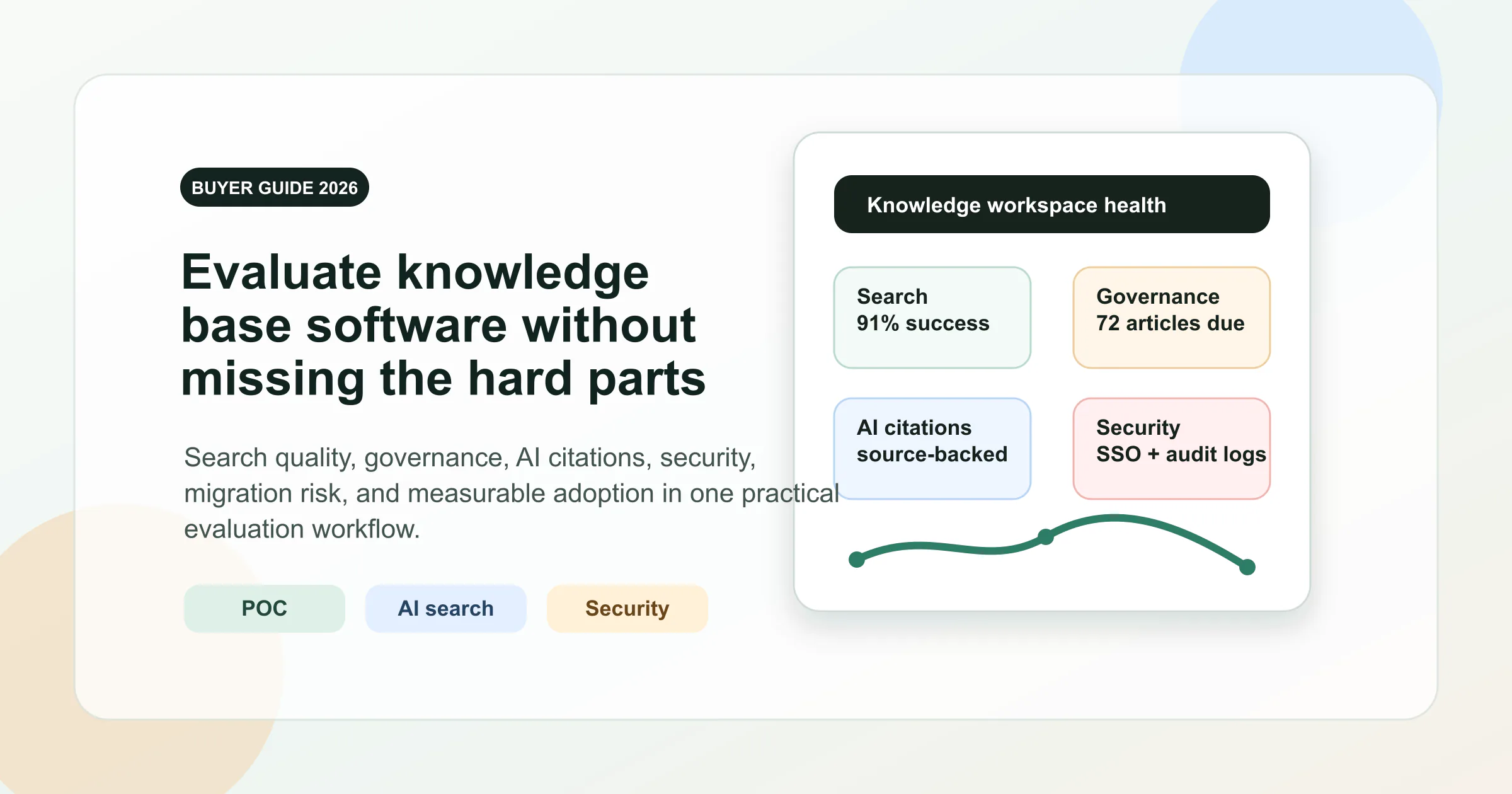
Use the software shortlist for scenario-based options and the buyer guide for detailed checks. AFFiNE is a candidate when your internal knowledge includes documents, tables, and diagrams. If you need a formal help center, ticketing, or enforced approval, require a demonstration of those capabilities rather than assuming a general workspace supplies them.
Step 5: Write and Format Your Knowledge Base Articles
Structuring a Knowledge Base Article
Start with the answer, then prerequisites, numbered steps, an observable success check, exceptions, and sources. Here is a shortened fictional example from the starter:
Question: How do I request project access?
Answer: Ask the project owner for the minimum role needed for your task, provide the business reason, and verify access with your own account after the administrator confirms the request.
Exception: If the owner is unavailable, follow the approved escalation route. Do not broaden access to work around a missing approval.
The complete procedure includes the steps and completion criteria. Replace the fictional roles and process with your team's approved version before use.
Writing Style Guidelines for Clarity
Use one action per step, define unfamiliar terms, and put limitations beside the instruction they affect. Use a screenshot only when it explains a difficult choice and matches the relevant product version. Keep secrets and private customer details out of examples.
Building a Content Creation Workflow
Assign a subject-matter owner to verify the procedure and another reader to try it. Record the review, resolve feedback, and publish to the intended audience. A status column in a document or spreadsheet records this process; it does not enforce approval or access by itself.
Step 6: Launch Your Knowledge Base and Drive Adoption
Planning a Soft Launch
Use eight fixed reader questions, including finding the owner, handling an exception, checking a review date, and reopening an export. Record results in the blank pilot-feedback CSV. Test permission boundaries with separate authorized test accounts and harmless sample content.
Driving Adoption Across Your Team
Place links where the question arises: onboarding checklists, task descriptions, or support replies. Ask readers what they searched for and what stopped them. Fix unclear titles and missing prerequisites before adding more material.
Building a Knowledge-Sharing Culture
Make reporting an error simple and give the owner time to respond. A colleague should be able to say an article is wrong without becoming responsible for rewriting the entire knowledge base. Record decisions so repeated corrections do not disappear into chat history.
Step 7: Maintain, Measure, and Optimize Over Time
Setting Up a Content Governance Framework
Assign one accountable owner per important article, an appropriate reviewer, and a review trigger. A product change or policy change may require an immediate update; stable reference material may need less frequent review. Archive superseded guidance with a link to its replacement when applicable.
Using Analytics to Identify Gaps
Track failed searches, task completion, useful feedback, and time to locate an answer. Some platforms supply analytics; otherwise collect pilot observations manually. Increased traffic can reflect adoption, confusion, or a new problem. Read the underlying questions before deciding what the chart means.
Scaling Your Knowledge Base Over Time
Expand when the first audience can complete its tasks and the owners can maintain the current set. Recheck navigation, duplicate answers, access, and export quality as the collection grows. Add AI only after identifying which approved content it can retrieve and how it handles missing or restricted answers. Our AI knowledge base build guide includes a golden question set for those tests.
Common Mistakes That Kill Knowledge Bases and How to Avoid Them
Starting Too Big Instead of Too Small
Importing every document creates a large review backlog. Start with answers you can verify and maintain.
Neglecting Maintenance After Launch
Assigning a date without an owner leaves the work undone. Name the reviewer and define what change triggers another check.
Ignoring How People Actually Search
Use the reader's wording in titles and relevant synonyms in the article. Avoid filling paragraphs with repeated keywords.
The Top 5 Knowledge Base Failure Modes at a Glance
| Failure | Practical correction |
|---|---|
| Conflicting instructions | Resolve the conflict with the responsible owner |
| Unclear audience | State who the procedure applies to |
| Missing prerequisite | Put it before the first action |
| Unmaintained article | Assign an owner and review trigger |
| Misleading success metric | Measure whether a reader completed the task |
Frequently Asked Questions About Creating a Knowledge Base
1. What is a knowledge base and how is it different from a wiki?
A knowledge base organizes answers for a defined audience. A wiki is a way to create and connect pages collaboratively. A wiki can serve as a knowledge base when it has useful structure, accurate content, ownership, and appropriate access settings.
2. How long does it take to build a knowledge base from scratch?
There is no universal timeline. Scope, source quality, reviewers, migration, and permission requirements determine the work. Plan a small reader pilot first and expand after its problems are fixed.
3. What software should I use to create a knowledge base?
Choose around your workflow: internal documents, customer self-service, ticket-linked support, or controlled publishing. Test representative content and required access rules before choosing a plan. AFFiNE is one option for internal documents, tables, and visual explanations.
4. How many articles should a knowledge base have at launch?
Enough to answer the pilot audience's recurring questions accurately. A small reviewed collection is a useful start; there is no required number. Add articles when readers encounter a verified gap.
5. How do I keep a knowledge base from becoming outdated?
Give each important article an accountable owner, a source, and a review trigger. Review after relevant changes, collect reader corrections, and archive superseded answers. A review date should represent a completed check.
Related Blog Posts
- Build a team knowledge base in AFFiNE: documents, registers, and deployment boundaries.
- Internal knowledge base examples: departments, article types, and practical scenarios.
- Knowledge base software for teams: a repeatable pilot before rollout.