Self-Hosted AI Workspace: Plan an AFFiNE Deployment
Plan a self-hosted AI workspace with AFFiNE. Map data and inference, configure workspace BYOK, and use a pilot checklist to test access, backups, and AI.

A self-hosted AI workspace lets your team operate the service that holds its shared work while choosing how AI connects to that work. With AFFiNE, start by planning the workspace deployment, persistent storage, identity, and recovery. Then configure and test the AI provider separately: hosting the workspace yourself does not make inference local or guarantee offline operation.
This guide helps team and IT leads scope an AFFiNE pilot. It covers deployment decisions and evidence to collect, rather than replacing the installation manual. For the broader category and evaluation criteria, read what an AI workspace is. To choose the other layers of a self-hosted AI stack, start with the companion guide.
Start here: name the service owner, map where data and AI requests go, choose one non-sensitive workflow, and agree on a restore test before importing team material. For the legal side of where data lives, see what data sovereignty means for workspace and AI tools.
Published by AFFiNE. This AI-assisted guide organizes official documentation checked October 18, 2026 into deployment decisions and a pilot worksheet. Scenarios and diagrams are illustrative; no deployment or access-control test was performed.
Contents
- Separate workspace data, key storage, and inference
- Decide whether your team can operate the service
- Plan your self-hosted AI workspace deployment
- Configure workspace BYOK for the features you need
- Evaluate custom and private endpoints separately
- Run a bounded pilot and record the evidence
- Frequently asked questions
Separate workspace data, key storage, and inference
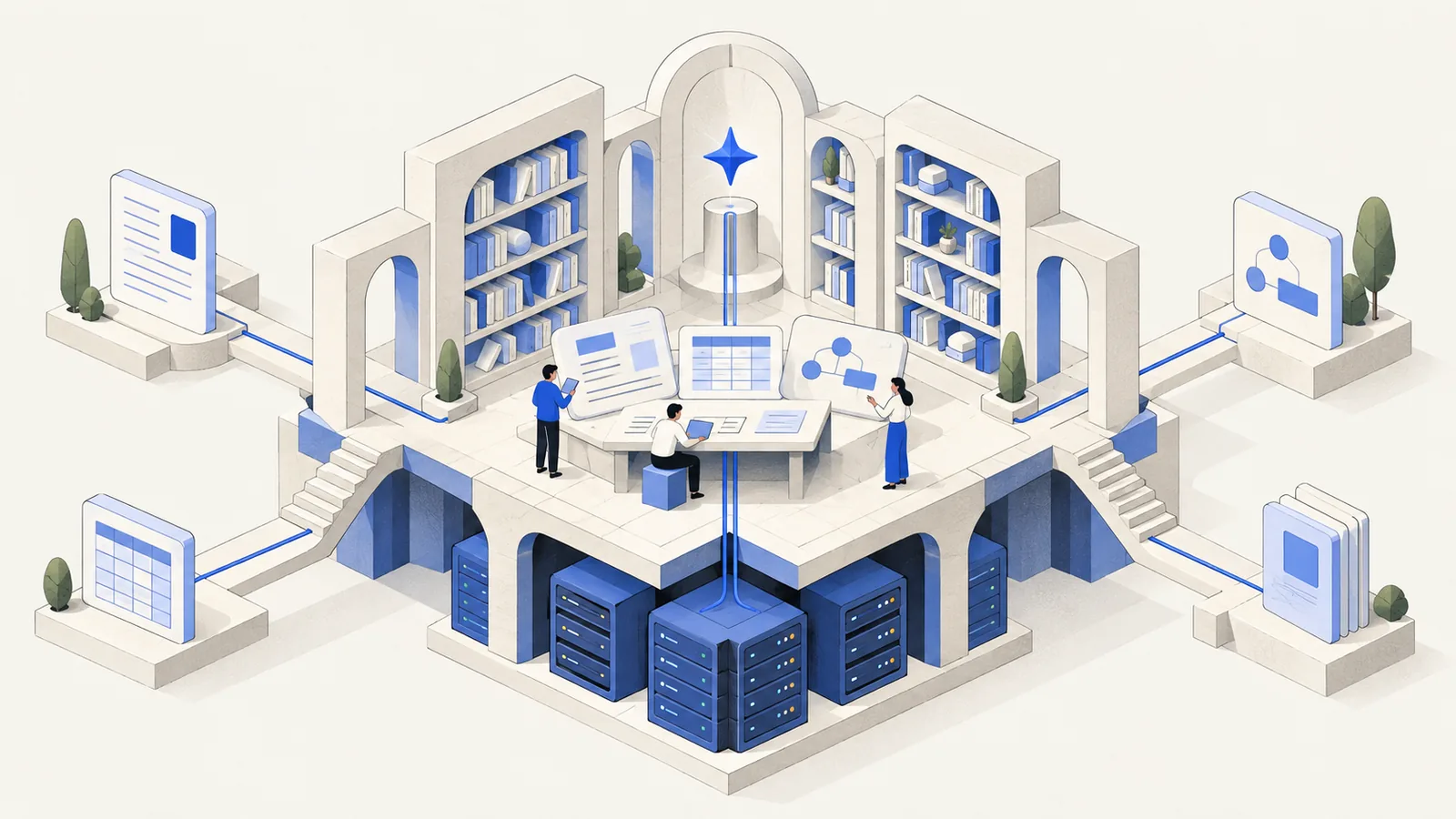
A useful self-hosted AI workspace architecture names three locations. They can belong to different systems, administrators, and network boundaries.
| Location | What to establish | Evidence to collect |
|---|---|---|
| Workspace data | Where documents, uploads, and configuration persist | Deployment configuration, storage paths, and recovery plan |
| Provider credentials | Whether the key is stored on the server or on one desktop | Selected BYOK storage option and responsible administrator |
| AI inference | Which endpoint receives the AI request | Configured provider, endpoint policy, and a permitted sample request |
AFFiNE's AI guide recommends server-stored keys for self-hosted web access and use across devices. Local key storage is available only in the desktop app on that device. That option describes credential storage; it does not mean the model runs on the desktop.
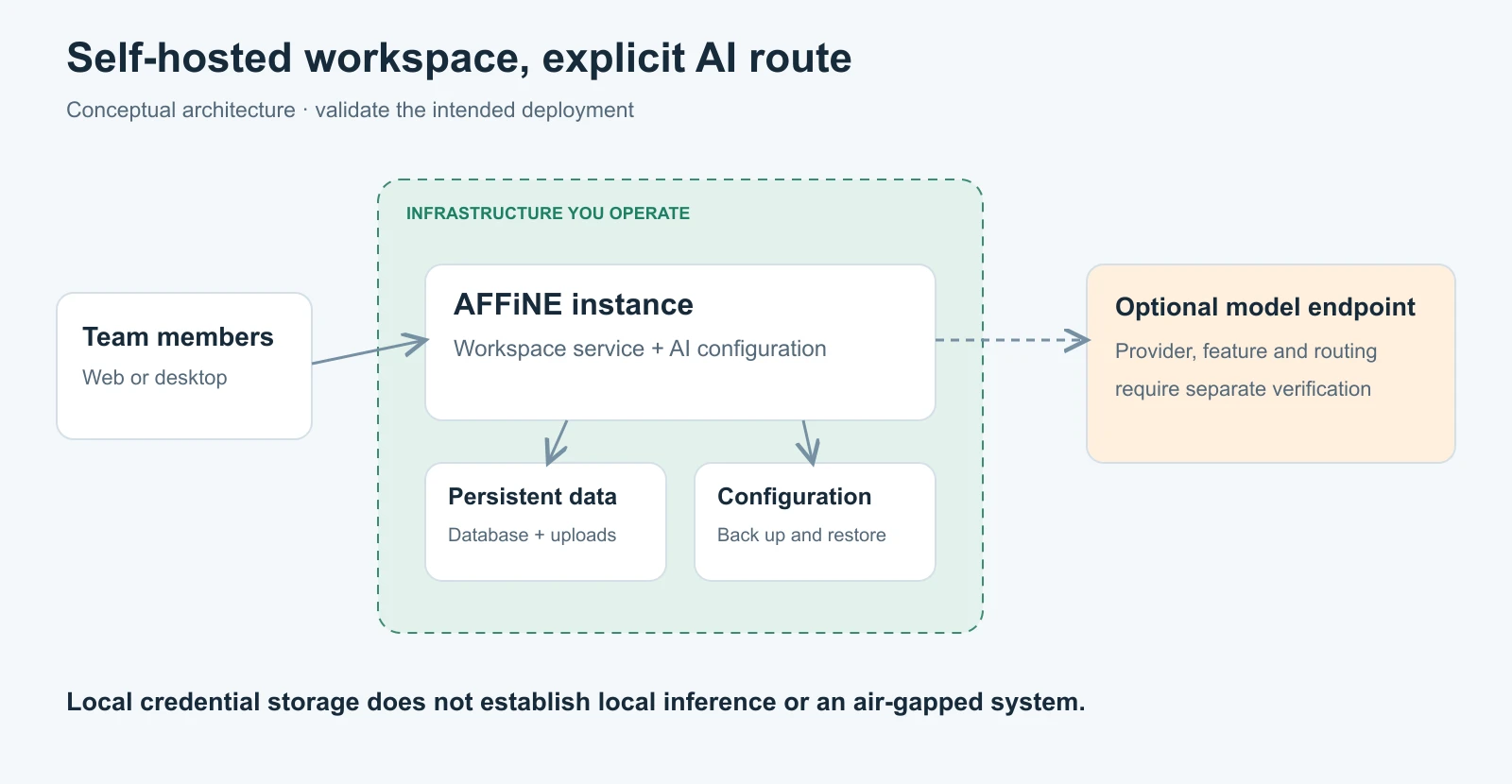
For a private AI workspace, define “private” in operational terms: approved readers, permitted storage locations, allowed processing endpoints, and acceptable network connections. A diagram should identify any external provider instead of placing every component inside a box labeled private. For the broader definition, see what private AI means for teams.
Decide whether your team can operate the service
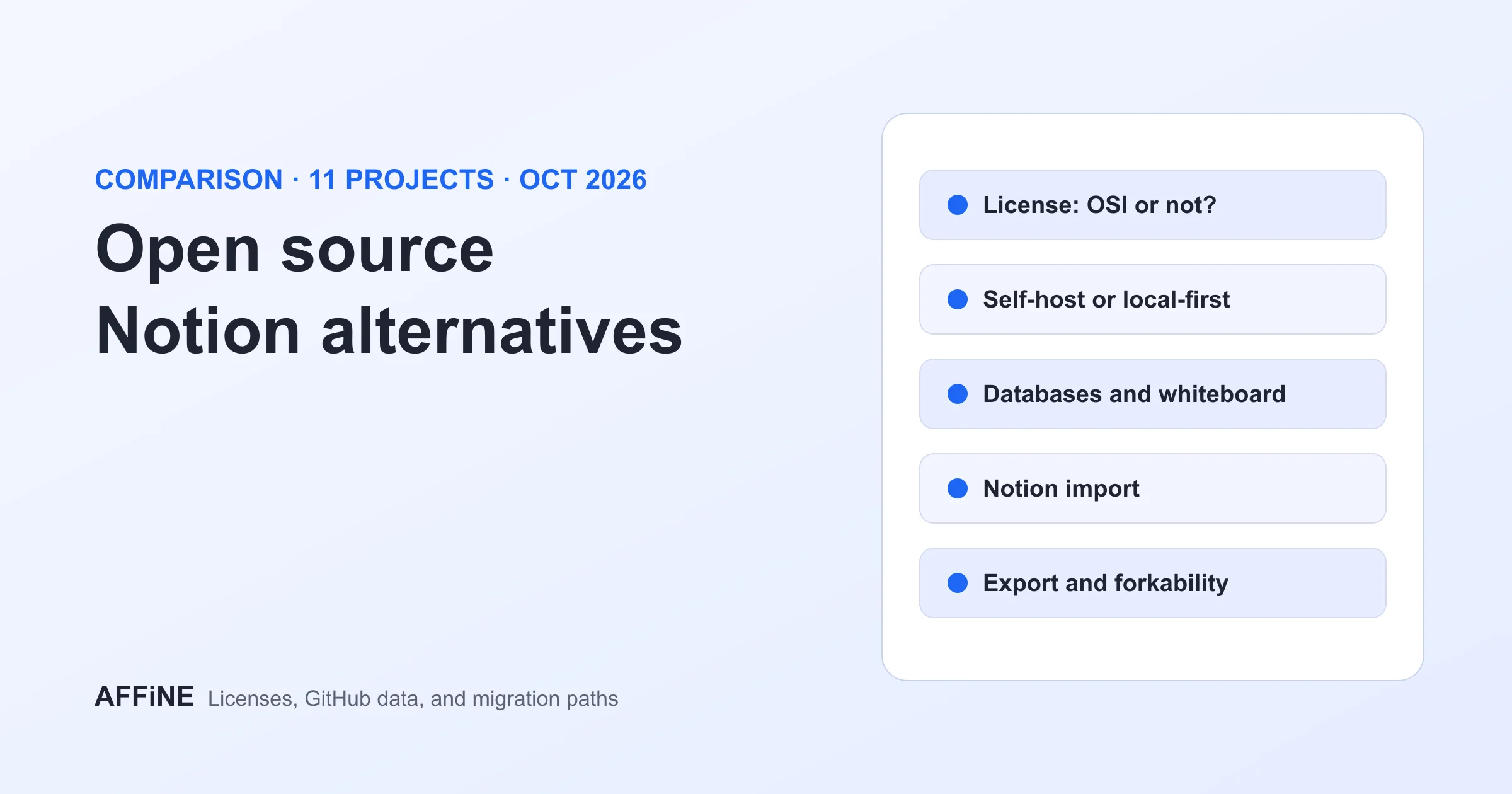
Self-hosting gives you deployment choices and an ongoing service to maintain. Evaluate that work alongside the editing experience. If you are comparing alternatives or migration paths, the open-source Notion alternative guide provides a broader selection framework, and the self-hosted Notion alternative comparison covers server requirements and operating costs across tools.
| Decision | Self-hosting may fit when | Postpone when |
|---|---|---|
| Infrastructure | You need to choose the host, storage, and network setup | Nobody owns updates, availability, or incident response |
| Identity and access | An administrator can configure and test the intended sign-in and document access | Requirements are assumed from a feature label |
| Recovery | You can retain backups and demonstrate restoration | Backups exist but nobody has tried restoring them |
| AI processing | You have an approved provider and can test required features | You need a model or offline behavior that remains unverified |
| Budget | You can cover infrastructure, service operation, licensing, and provider usage | The business case counts only the server invoice |
Build a cost estimate from these categories without assuming BYOK makes inference free. Include the time spent maintaining the service and helping users recover from failures. Consult the Team License documentation for seat expansion and licensing options. It distinguishes Internet-verified Team subscriptions from Installable Licenses for restricted networks; an offline license does not establish offline AI operation.
If source licensing matters to your evaluation, read the repository license and its linked backend terms. AFFiNE's code is not uniformly MIT-licensed.
Plan your self-hosted AI workspace deployment
Use the official Docker Compose guide as the installation reference. It recommends Compose v2 and current release files. This planning checklist adds decisions to make before the pilot; it does not supply replacement commands.
Set the URL and persistent locations
Choose the URL users will open and configure server.externalUrl accordingly. Public deployments should use their final HTTPS URL. The current Compose layout stores PostgreSQL data in ./data/postgres, uploaded files in ./data/storage, and configuration in ./config.
Record where those directories sit on the host and who maintains their storage. The guide expects the migration container to complete successfully while AFFiNE, PostgreSQL, and Redis keep running. Save the relevant startup evidence rather than treating an accessible homepage as the entire installation check.
New official deployments use config/config.json without a user .env file. Existing deployments need separate review: the configuration guide warns against replacing legacy Compose paths or database settings blindly. Treat migration as a planned change with a recoverable starting point.
Choose sign-in and test ordinary users
The OAuth documentation describes Google, GitHub, and general OIDC-compatible sign-in. Select the route your team will actually use, then test it with an intended user account.
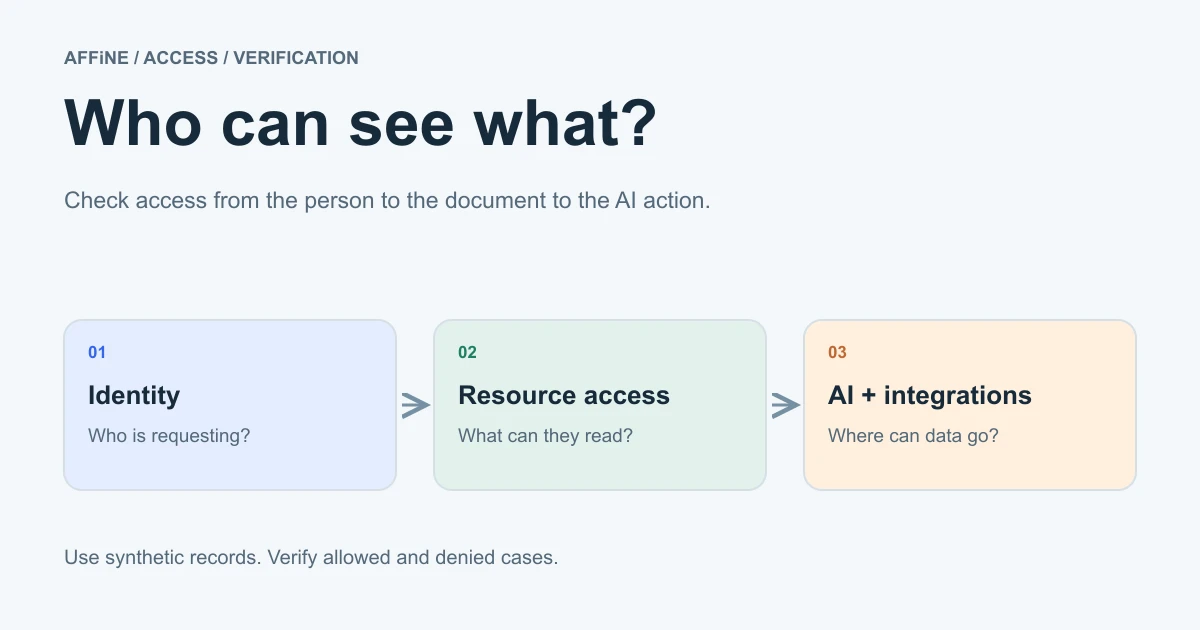
Authentication establishes identity; it does not answer every document-access question. Test who can open, edit, and share the pilot material. Use the companion AI workspace permissions guide to organize checks across human, document, integration, and AI access.
Design recovery before adding valuable content
The backup and restore guide covers PostgreSQL, uploads, and configuration. A database-only backup does not recover uploaded file contents. Keep matching backups together and account for object storage separately when used.
Choose a separate restoration target and verify users, workspaces, documents, uploads, and administrator access there. Record the version and configuration used. A successful backup job and a usable restored workspace are different pieces of evidence.
Configure workspace BYOK for the features you need
The current self-host AI guide uses workspace-level Bring Your Own Key. Follow this sequence:
- Enable
copilot.enabledandcopilot.byok.enabledin the server configuration, then apply the configuration using the official instructions. - Open Workspace Settings → Integrations → AI BYOK and select Add key.
- Choose the provider and credential-storage option for the intended workflow. Use a recognizable key name.
- Use Test key before saving, then exercise the specific features in the pilot.
Provider API keys and model overrides do not belong in server configuration. Keep secrets out of the worksheet and article examples. If you do not need AI, it can remain disabled through the server configuration while you evaluate the workspace workflow.
| Needed capability | Provider coverage described in the AI guide |
|---|---|
| Writing and chat | OpenAI, Anthropic, or Gemini |
| Actions and structured output | OpenAI or Gemini |
| Image generation | OpenAI, Gemini, or FAL |
| Transcription and workspace indexing | Server-stored Gemini BYOK key, or an AFFiNE AI plan fallback where available |
Workspace indexing also requires an enabled, available indexer. A working chat response therefore does not validate indexing or every other feature. When multiple keys exist, their list order controls fallback within each storage group; include that behavior in your provider review.
Evaluate custom and private endpoints separately
For a custom endpoint, the server administrator must enable copilot.byok.allowCustomEndpoint. Private-network endpoints have a separate allowPrivateEndpoint control. The official guide advises leaving it disabled unless every workspace administrator is trusted to direct requests to services on the private network.
“OpenAI-compatible” describes an API relationship, not a guarantee of AFFiNE feature coverage. Test the chosen endpoint and model against each required task. Do not infer Ollama compatibility, local inference, or offline operation from a successful connection alone. If your requirements depend on any of those properties, keep them as open acceptance conditions until verified. If you need the model itself on your own infrastructure, the private LLM guide covers deployment options.
Run a bounded pilot and record the evidence
Download the self-hosted AI workspace pilot worksheet. It is a UTF-8 CSV with 12 proposed checks, suggested owner roles, expected evidence, and blank result fields. Every check starts as Not tested. Replace the suggested roles with actual assignees; keep credentials out of the file.
Consider a fictional product team reviewing a release decision. Its sample workspace contains a decision note, an architecture sketch, and a small reference attachment, all invented for the exercise. A reader must find the current note and its context; an editor must make an agreed correction; the operator must be able to recover that material. Use the team knowledge base guide to organize the content around questions people need to answer.
Run the exercise in stages:
- Workspace first: verify sign-in, intended access, editing, and persistence using the sample content.
- AI second: if enabled, request a short summary of the fictional decision. Compare it with the source and check that uncertainty is preserved. Record the provider and capability tested.
- Recovery: restore the agreed backup into the separate target and verify the sample documents, attachment, users, and access.
- Decision: review failures, owners, operating costs, and unresolved endpoint requirements before expanding the pilot.
Record what happened, not simply that someone clicked a button. “Attachment restored and opened by the intended reader” is more useful than “restore done.” Do not mark a check passed because another account or another AI feature worked.
Postpone wider rollout if recovery is unproven, no operator owns the service, or a required AI capability remains incompatible. Start by assigning the worksheet's owners and following the official installation guide. Those checks give you a concrete basis for deciding whether this self-hosted AI workspace fits your team.
Frequently asked questions
What is a self-hosted AI workspace?
A self-hosted AI workspace is a shared environment for team content and AI-assisted work whose workspace service runs on infrastructure the organization operates. The AI model may still run at an external provider. Hosting the workspace, storing provider credentials, and running inference are separate choices.
Does self-hosting AFFiNE keep all AI processing local?
No. Workspace hosting does not determine inference location. A provider key can send AI requests to an external service, including when the key is stored locally on a desktop. Identify the actual provider endpoint and test the intended data flow before submitting internal material.
How do you configure AI in self-hosted AFFiNE?
Enable copilot.enabled and copilot.byok.enabled in the server configuration, then add and test credentials in Workspace Settings → Integrations → AI BYOK. Choose the provider and key storage for the required features. Current documentation places provider keys in workspace settings, not server configuration.
Can AFFiNE use an OpenAI-compatible or private AI endpoint?
Custom endpoints require the server administrator to enable allowCustomEndpoint. Private endpoints have a separate allowPrivateEndpoint setting with an administrator-trust requirement. An API-compatible endpoint is not a guarantee that every model or feature works. Validate the endpoint and each required capability using the current documentation.
What should a self-hosted AFFiNE backup include?
Back up PostgreSQL, uploaded files, and the deployment configuration. Keep filesystem uploads with their matching database backup, or follow the object-storage provider’s procedure. Test restoration into an appropriate separate environment and verify users, workspaces, documents, uploads, and administrator access before relying on the recovery plan.