Self-Hosted AI for Teams: The Stack, Tools & Trade-offs
A four-layer stack for teams: model serving, chat, a knowledge workspace, and agents. Tools, licenses, three reference stacks, and what drives operating cost.

What changed (Nov 06, 2026): Corrected AFFiNE BYOK and MCP details against current docs, added sections on self-hosted AI vs self-hosted LLM, Dify, AI gateways and vector stores, expanded the license table, added official-site screenshots for every tool, and noted Flowise's August 2026 end of life.
Self-hosted AI means running the AI software your team uses, and usually the models too, on infrastructure you control instead of a vendor's cloud. It is worth it when your documents cannot leave your network, when you already run servers well, or when usage is high enough that owning GPUs beats paying per token. It is not worth it if you have no one to patch, back up, and monitor the stack; for most small teams, a managed business tier with clear data terms is cheaper and safer.
Key takeaways
- Self-hosted AI runs AI software, and often open-weight models, on infrastructure you control instead of a vendor's cloud.
- A team stack has four core layers: model serving (Ollama, vLLM, LocalAI), chat (Open WebUI, LibreChat, AnythingLLM), a knowledge workspace (AFFiNE, Outline, BookStack), and agents (n8n, Flowise, Dify). Larger stacks often add an AI gateway (LiteLLM) and a vector store (Qdrant or pgvector).
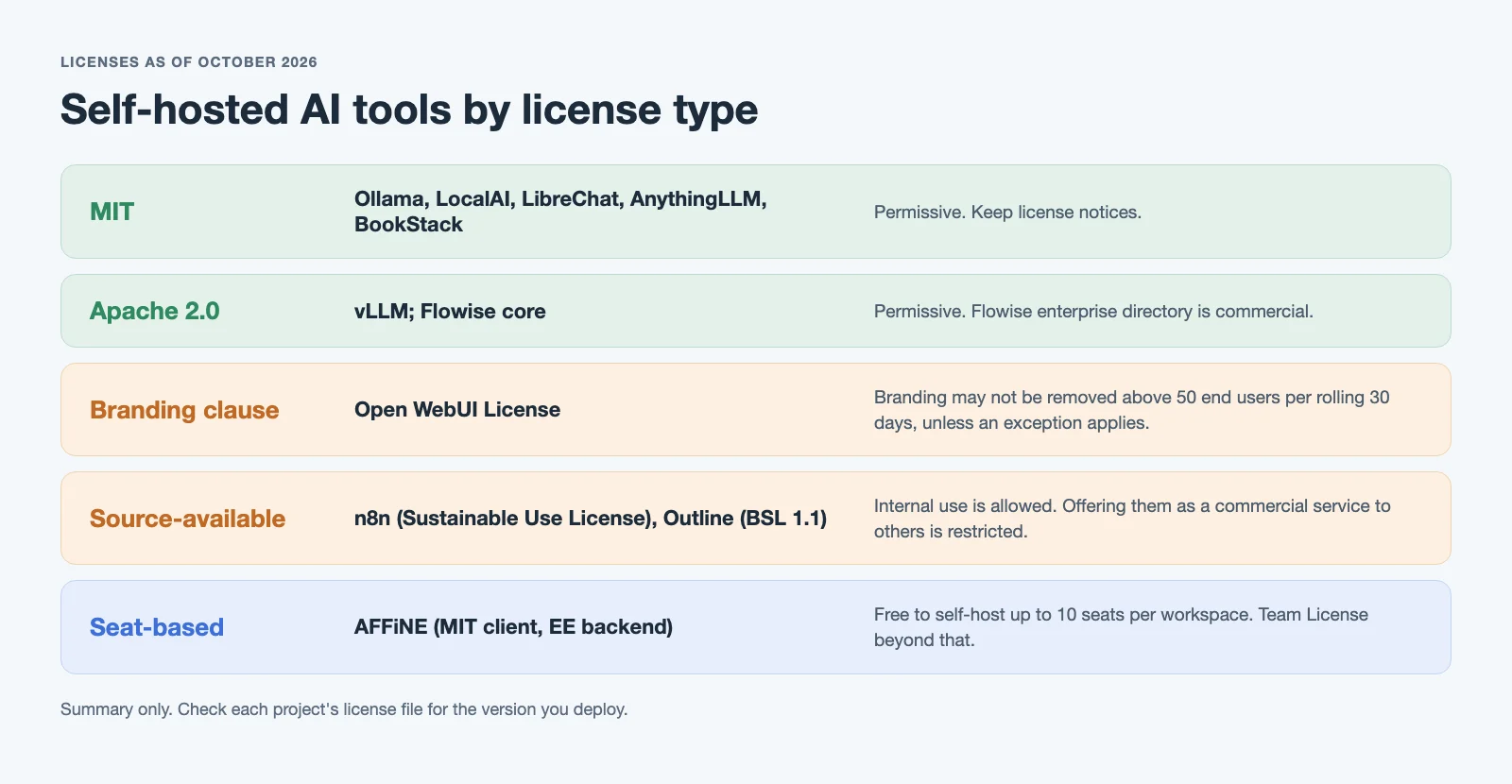
- Licenses differ: Open WebUI adds a branding clause above 50 users, Outline uses BSL 1.1, n8n uses the source-available Sustainable Use License, and Dify needs a commercial license for multi-tenant use.
- AFFiNE, our product, covers the knowledge layer. It does not run models; AI is optional through workspace BYOK keys or an admin-approved OpenAI-compatible endpoint.
- The largest costs are usually people time and idle GPUs, not license fees.
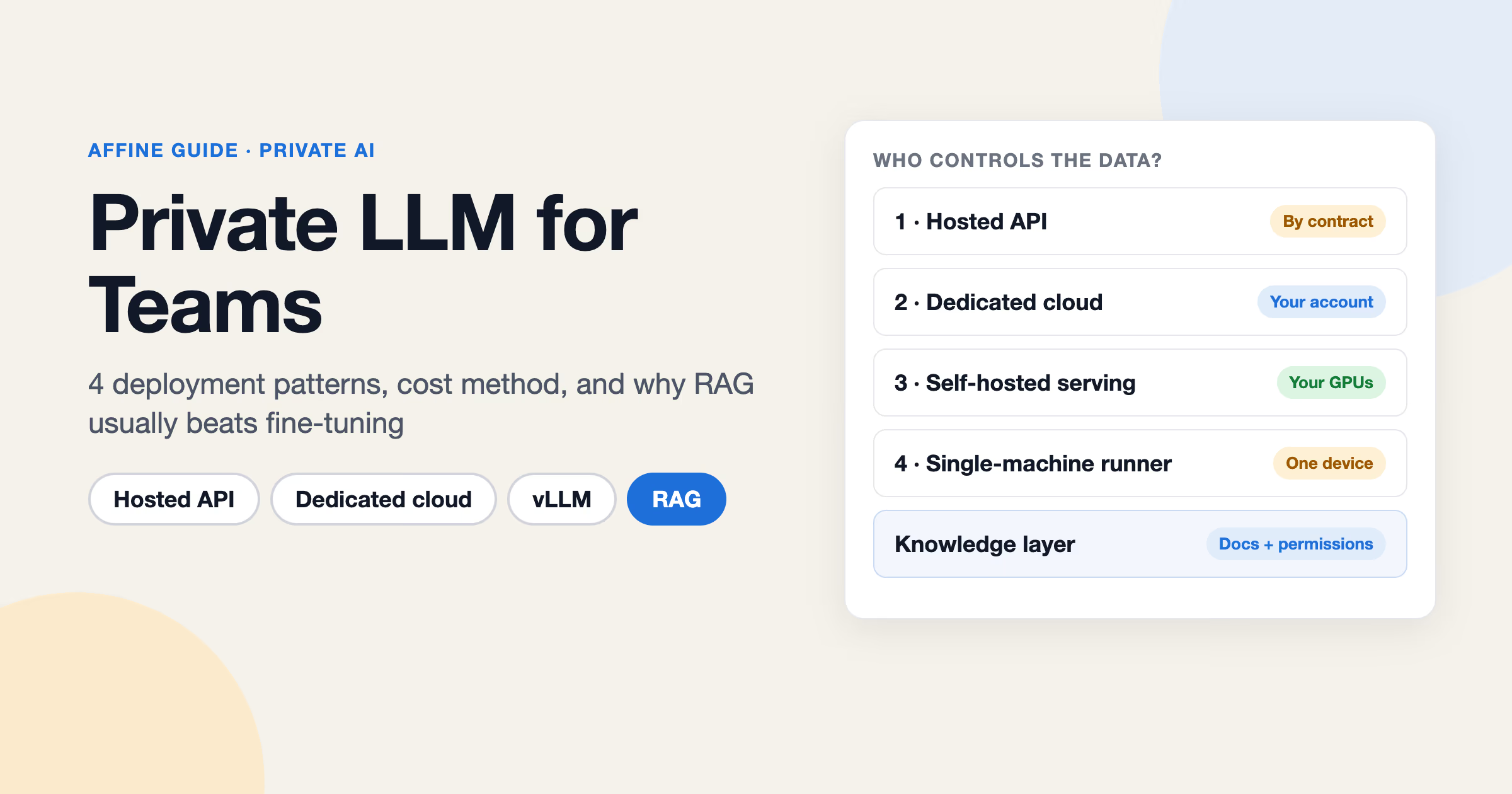
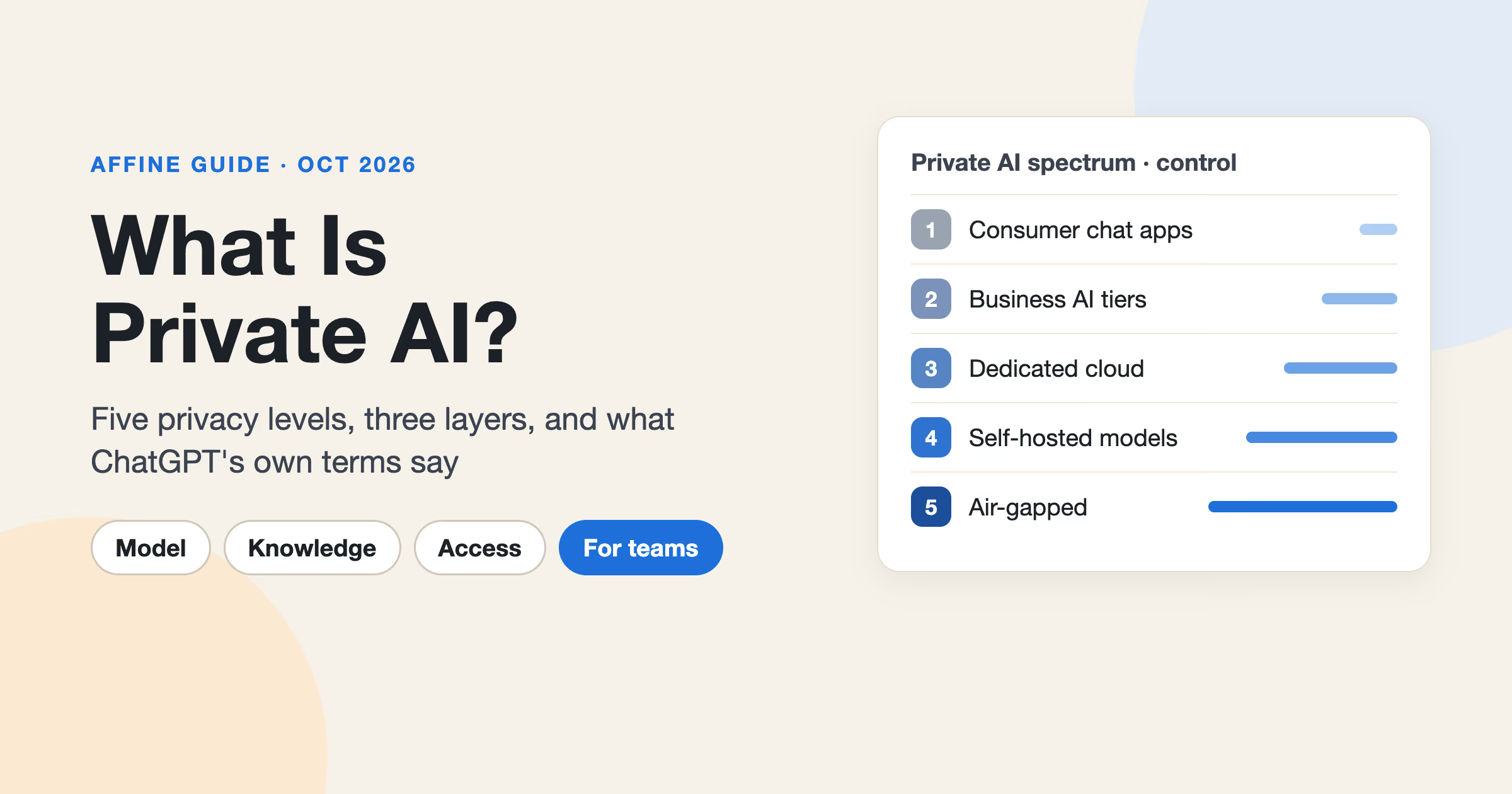
This guide splits the stack into layers, names tools and licenses for each, and gives three reference stacks. For background on privacy, see our guides to private AI and private LLMs.
Self-hosted AI vs self-hosted LLM vs local AI
These terms overlap in search results and vendor pages, but they describe different scopes.
| Term | What runs on your infrastructure | Typical tools | Where we cover it |
|---|---|---|---|
| Self-hosted LLM | The model and its serving engine | vLLM, Ollama | Private LLM guide |
| Local AI | A model on one laptop or workstation, usually for one person | Ollama, LM Studio, llama.cpp | Offline AI guide |
| Self-hosted AI | The team stack: models, interfaces, knowledge, and agents | All the layers in this guide | This guide |
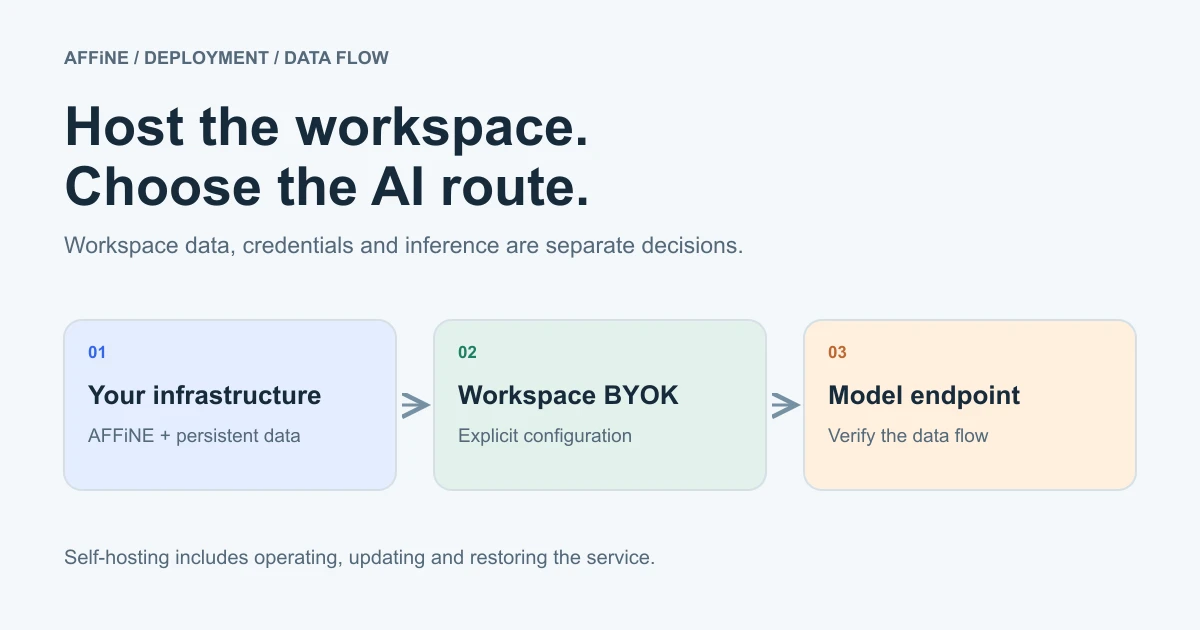
A self-hosted AI stack does not have to serve its own model. Many teams host the interface and knowledge layers, where their documents live, and call a model API under business terms.
Should your team self-host AI?
| Situation | Self-host? | Why |
|---|---|---|
| Contracts, customer data, or regulated records must stay on your network | Yes | Data location is a requirement, not a preference |
| You already run Docker services, backups, and monitoring | Likely | Marginal operating cost is low |
| Heavy, steady AI usage across many people | Maybe | Owned GPUs can beat per-token pricing, but only at high utilization |
| Small team, no ops person, occasional AI use | No | A managed business tier is cheaper once you count people time |
| You need the newest frontier models | Partly | Frontier models are not available to self-host; open models are |
A common middle ground: self-host the knowledge and interface layers (where your data lives) and call a model API under a business agreement, or route only sensitive work to a model you serve yourself. To decide this per data type, use the classification step in our private AI for business rollout plan.
What is in a self-hosted AI stack?
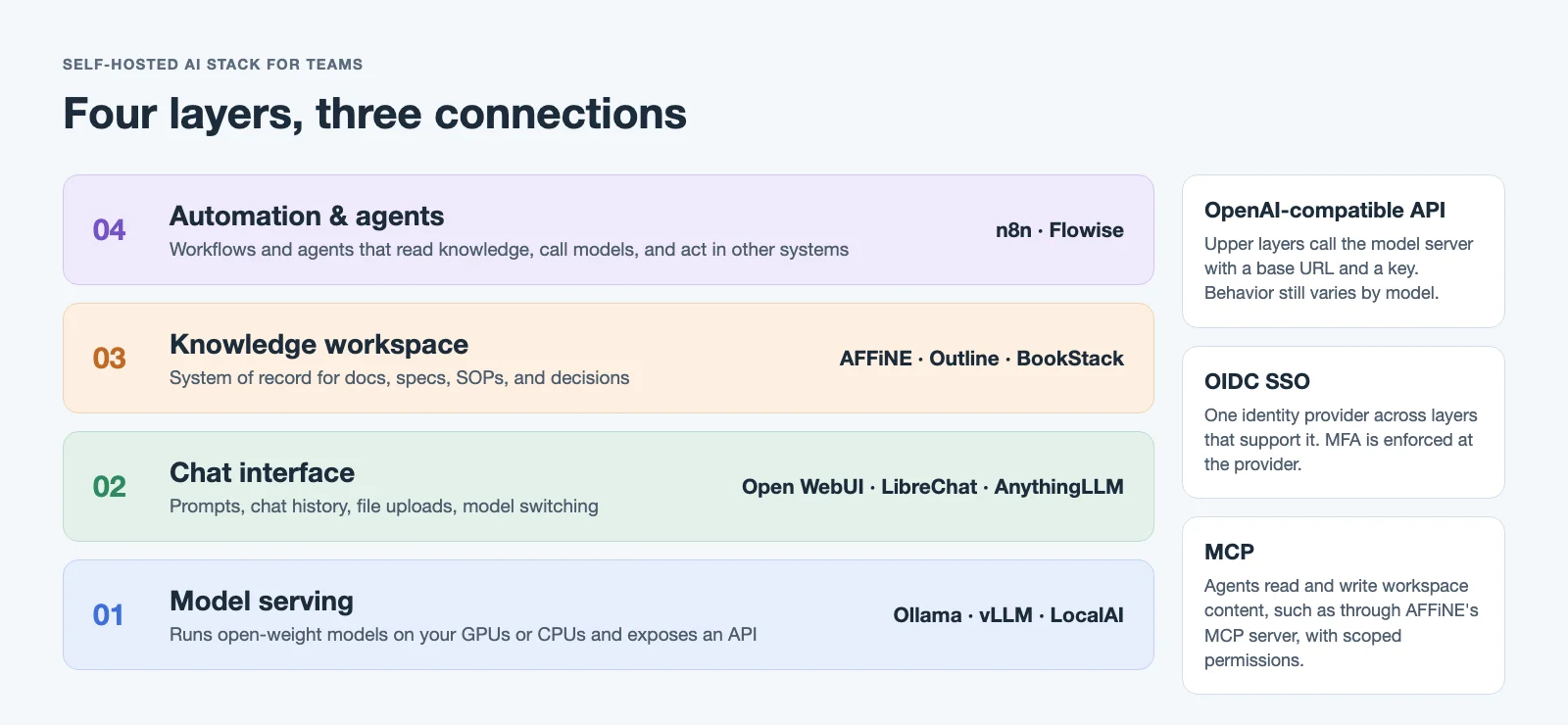
Think of a self-hosted AI platform as four core layers, each replaceable on its own:
- Model serving. Runs open-weight models and exposes an API, typically OpenAI-compatible.
- Chat and interface. Where people talk to models: prompts, chat history, file uploads, model switching.
- Knowledge workspace. Where the team's documents, specs, SOPs, and decisions live. AI is only as useful as the knowledge it can reach.
- Automation and agents. Workflows and agents that read from the workspace, call models, and take actions in other systems.
The layers connect through three things: an API endpoint (usually OpenAI-compatible), shared identity (OIDC or OAuth), and agent protocols such as MCP. Larger stacks add two optional pieces between them: an AI gateway that issues keys and routes requests to models, and a vector store that holds embeddings for retrieval.
Self-hosted AI tools by layer
| Layer | Job | Tools in this guide | Key decision |
|---|---|---|---|
| Model serving | Run models, expose API | Ollama, vLLM, LocalAI | Ease of use vs throughput |
| Chat UI | Human interface to models | Open WebUI, LibreChat, AnythingLLM | License terms, multi-user features |
| Knowledge workspace | Store and organize team knowledge | AFFiNE, Outline, BookStack | Docs only vs docs + whiteboards + databases |
| Automation & agents | Workflows, agents, integrations | n8n, Dify (Flowise is archived) | License limits on commercial use |
| AI gateway (optional) | Keys, routing, spend tracking | LiteLLM | Needed once several apps share models |
| Vector store (optional) | Store embeddings for retrieval | Qdrant, pgvector | Separate service vs inside PostgreSQL |
Which model server should you use: Ollama, vLLM, or LocalAI?
Ollama
Ollama is the simplest way to download and run open models on a laptop or server. It is MIT licensed and exposes a local REST API; its docs say it supports a subset of the OpenAI API, so check the endpoints your apps call. It is a good default for prototypes, small teams, and single-GPU servers. It is less suited to serving many concurrent users at high throughput.
vLLM
vLLM is a high-throughput inference engine built for production serving, licensed under Apache 2.0. Its README lists high-throughput serving and an OpenAI-compatible API server, and it supports NVIDIA, AMD, and Intel GPUs as well as CPUs. Choose it when dozens or hundreds of people share the same models and GPU cost matters. Expect more setup and tuning than Ollama.
LocalAI
LocalAI is an MIT-licensed engine that offers drop-in OpenAI-compatible APIs on your own hardware, including CPU-only machines. According to its README, each backend (such as llama.cpp, vLLM, or whisper.cpp) is a separate image pulled only when a model needs it, and it now includes built-in agents. That helps in isolated environments where you want one endpoint for text, embeddings, audio, and images.
Rule of thumb: start with Ollama, move to vLLM when concurrency becomes the bottleneck, and consider LocalAI when you need broad backend coverage behind one OpenAI-style API.
Which chat interface should you use: Open WebUI, LibreChat, or AnythingLLM?
Open WebUI
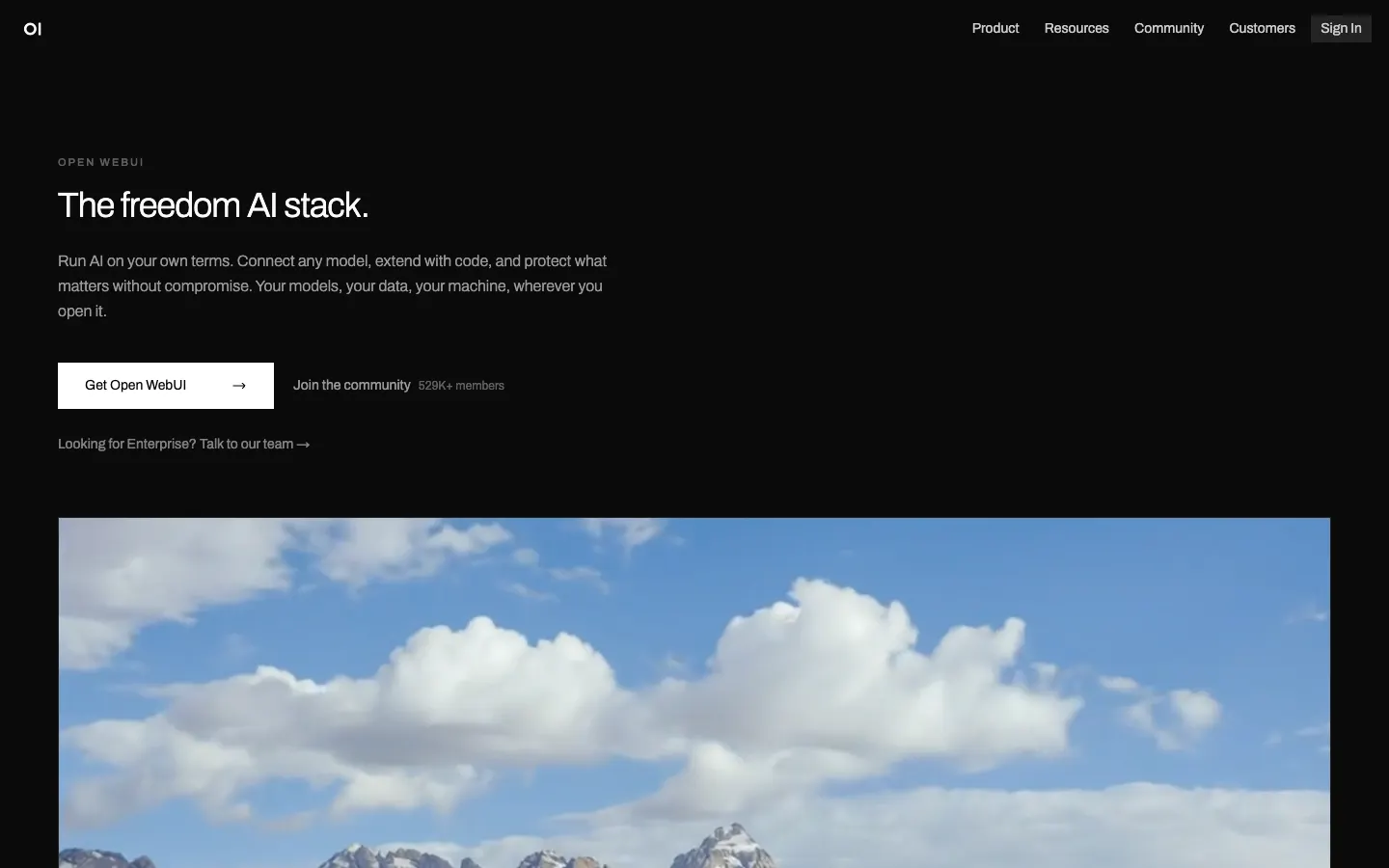
Open WebUI is a popular self-hosted chat interface that works with Ollama and OpenAI-compatible APIs. Check its license before you deploy: the Open WebUI License is BSD-style but adds a branding clause. You may not remove or replace "Open WebUI" branding unless your deployment stays at or under 50 end users in a rolling 30-day period, or another listed exception applies (such as an enterprise license).
LibreChat
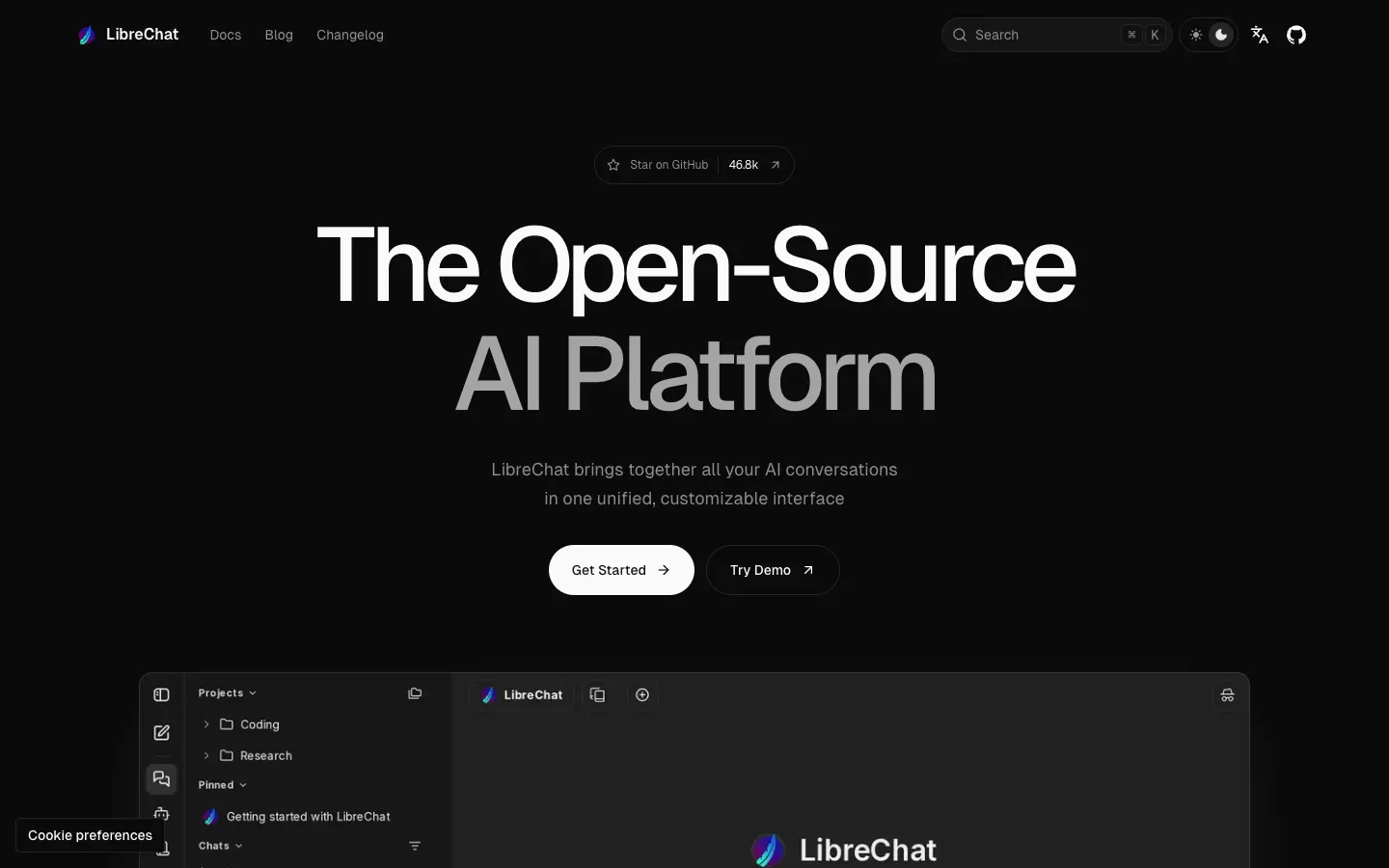
LibreChat is an MIT-licensed chat interface that connects to many providers (OpenAI, Anthropic, Google, AWS Bedrock, Azure OpenAI) and to any OpenAI-compatible API through custom endpoints, all from one UI.
AnythingLLM
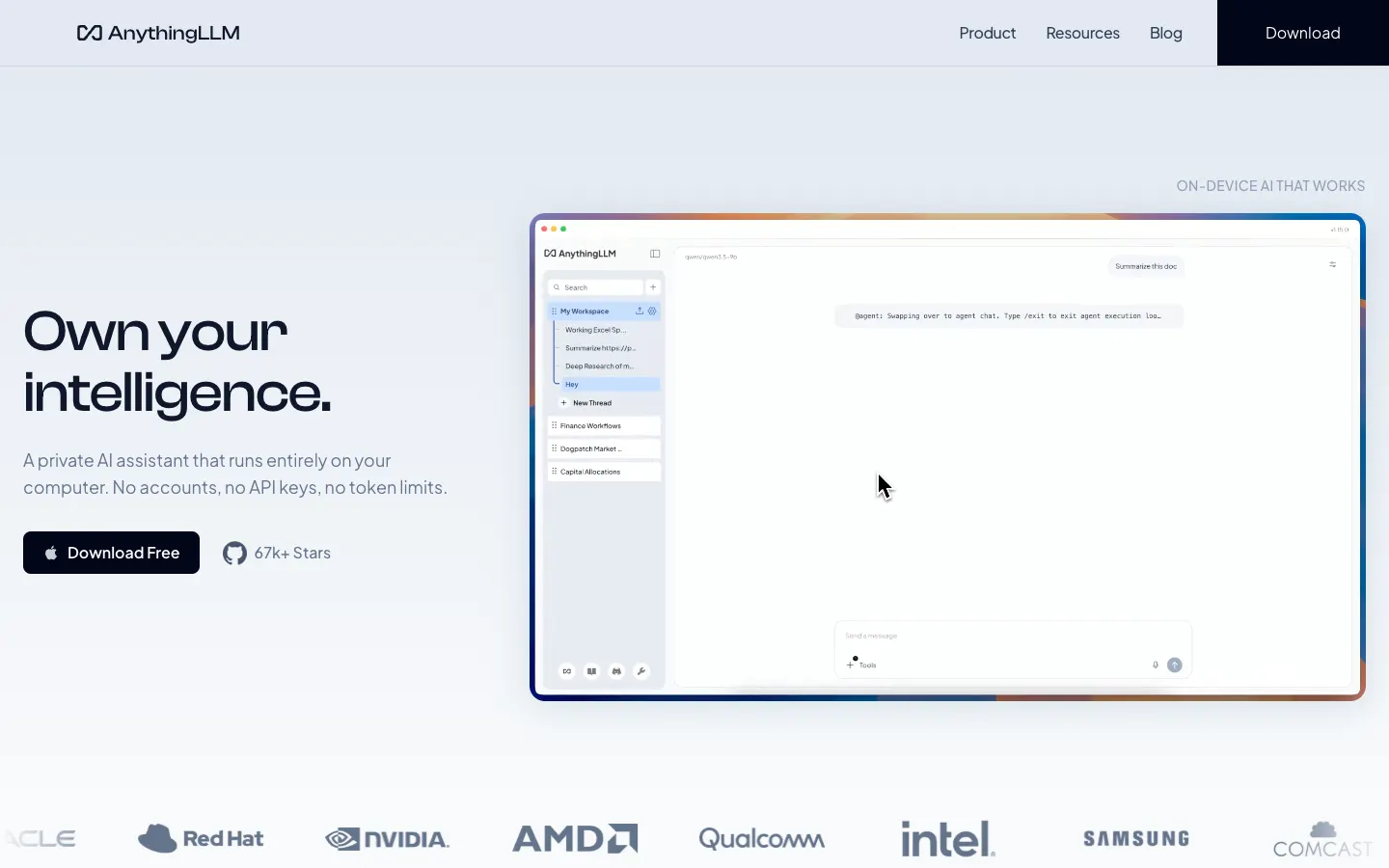
AnythingLLM is an MIT-licensed app focused on chatting with your documents. Its README describes document ingestion, AI agents, multi-user support, and a built-in local model engine. It runs as a desktop app or a Docker deployment. It works well when the main use case is "ask questions about these files."
Where should team knowledge live: AFFiNE, Outline, or BookStack?
This is the layer most self-hosted AI guides skip, and it is where team value is decided. The workspace should be the system of record that people write in every day, not a folder of uploads made only for a chatbot. Our guide to the LLM wiki covers this idea in more depth.
AFFiNE
Disclosure: AFFiNE is our product. We include it because it covers this layer, and we list the cases where it is not the right fit below.
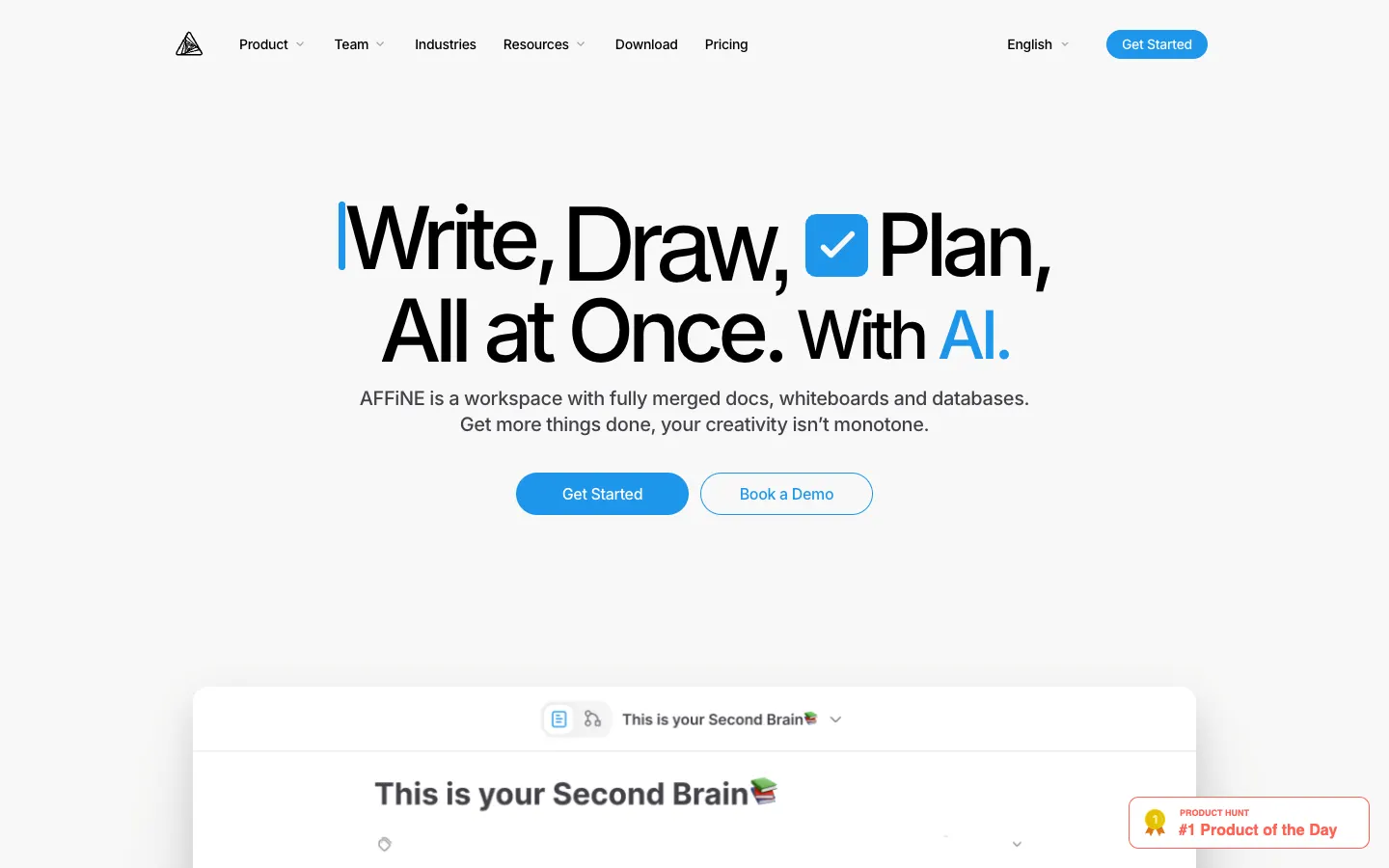
AFFiNE is an open-source, local-first workspace that combines docs, whiteboards (an edgeless canvas), and databases. You can use AFFiNE Cloud or self-host AFFiNE on your own servers.
- Deployment: the official path is Docker Compose. Data stays in your PostgreSQL, Redis, and file storage (local disk, S3-compatible storage, or Cloudflare R2).
- License: the editor and most client code are MIT; the backend uses the AFFiNE EE license. Self-hosting is free for up to 10 members per workspace; larger teams need a paid Team License.
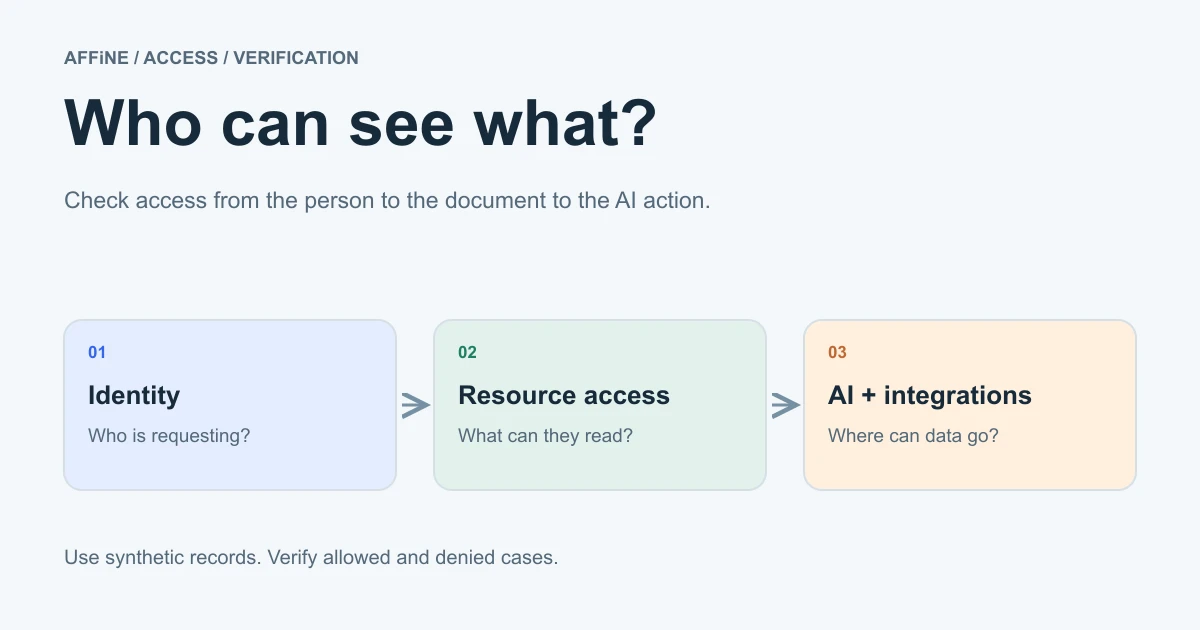
- Identity: OIDC SSO, plus Google and GitHub OAuth. MFA is enforced at your identity provider. Workspace roles and per-document access levels control who sees what. Our guide to AI workspace permissions explains how these settings interact with AI actions.
- AI is optional. A server admin turns AI and BYOK on or off with
copilot.enabledandcopilot.byok.enabledin the server configuration. Workspace owners then add and test their own provider keys for OpenAI, Anthropic, Gemini, or FAL under Workspace Settings → Integrations → AI BYOK; provider keys do not go in the server configuration. Coverage differs by provider: for example, actions and structured output need an OpenAI or Gemini key, and workspace indexing needs a server-stored Gemini key or an AFFiNE AI plan fallback. A server admin can also allow OpenAI-compatible custom endpoints (copilot.byok.allowCustomEndpoint) and, as a separate setting, private-network endpoints (allowPrivateEndpoint). See the AI administration docs. - Agents: AFFiNE includes a workspace MCP server that lets compatible AI clients search and read workspace documents with a revocable, workspace-scoped credential. Credentials are read-only by default; at the time of writing, write tools are limited to development and canary builds.
- Offline editing: docs and whiteboards are editable offline in the desktop app and sync later.
An important limit: AFFiNE does not run models itself. If your admin allows custom and private endpoints, you can point it at an OpenAI-compatible endpoint you operate, which could be served by vLLM or another server from the layer below. Feature coverage depends on the model and server, so test each AI feature you plan to use. Native local LLM support is an open community feature request, not a shipped feature.
Outline
Outline is a polished team wiki. Its license is the Business Source License 1.1, which its own notice says is not an open source license. The additional use grant lets you self-host for your organization but not offer it as a commercial "Document Service" to third parties. Each version converts to Apache 2.0 on its change date (2030-10-23 for the version current at the time of writing). For internal use this is usually fine; read the terms if you plan to host it for customers.
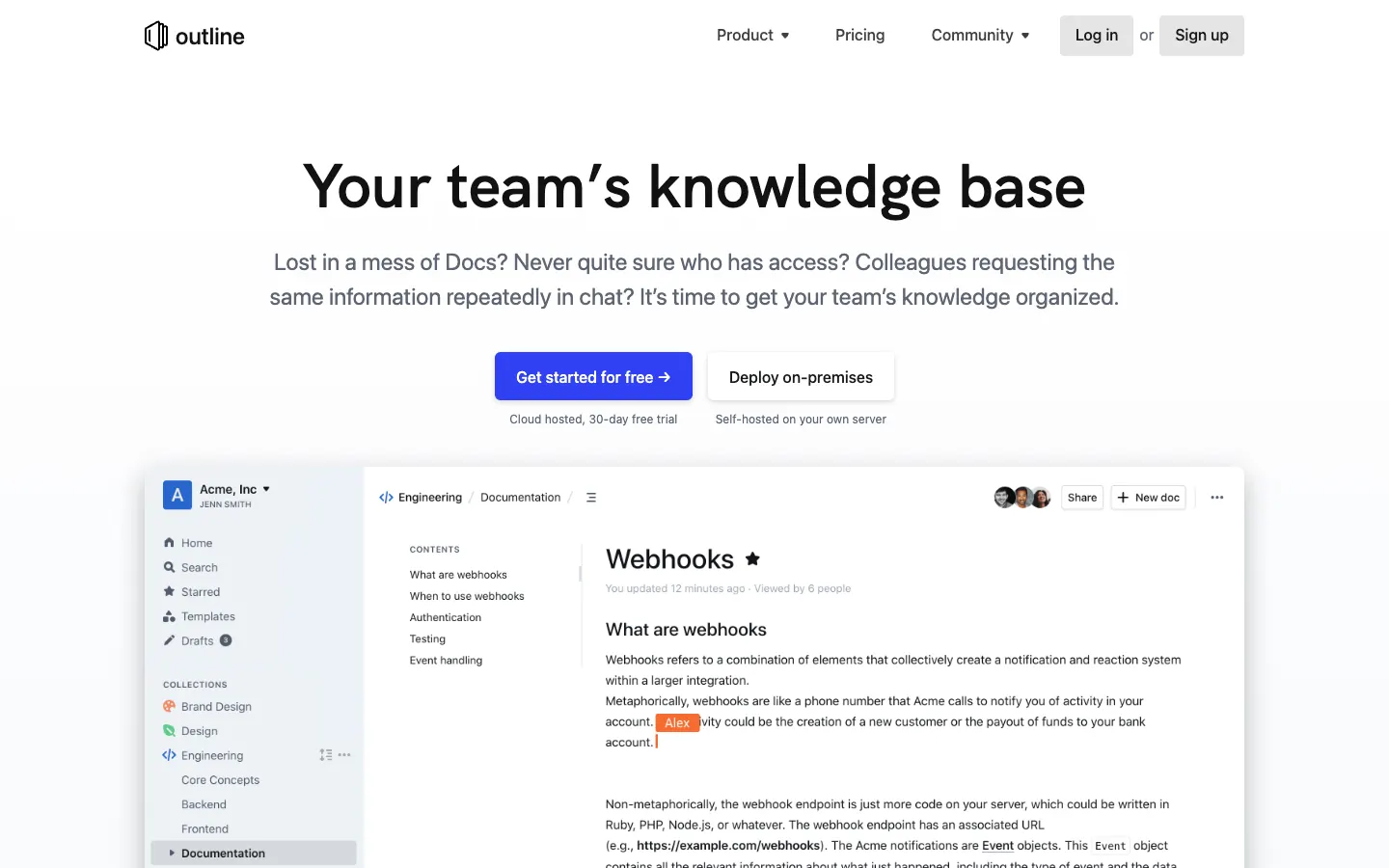
Plan for operations work: Outline's hosting guide says it is engineered as a horizontally scalable cloud platform and needs DevOps experience to run in production. It does not support email and password sign-in natively. You connect an authentication provider such as Google, Microsoft Entra, Slack, or OIDC, with SAML depending on the edition.
BookStack
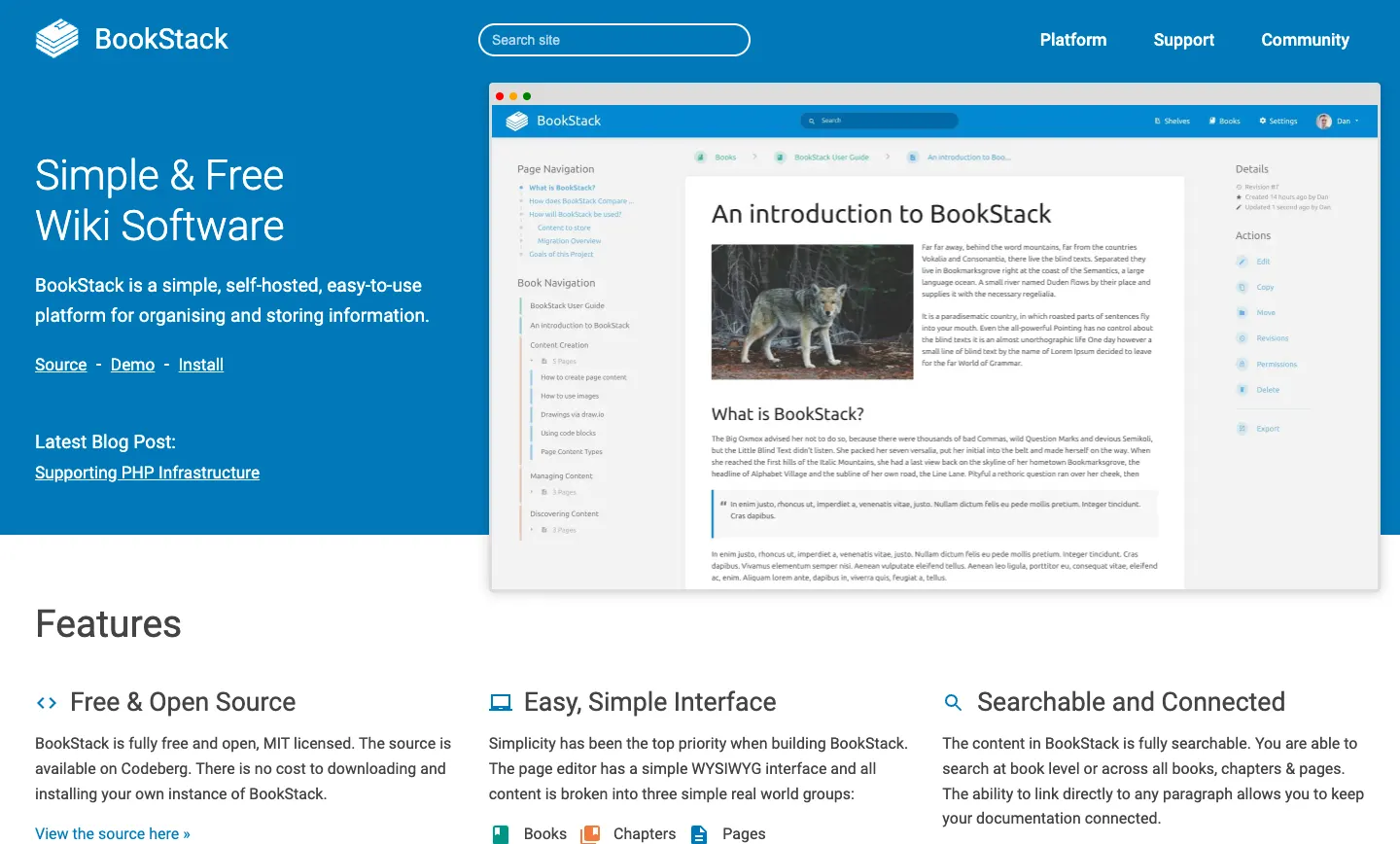
BookStack is an MIT-licensed wiki organized as shelves, books, chapters, and pages. What a user can do is set by roles and permissions. Sign-in uses email and password by default, or you can replace it with LDAP, SAML 2.0, or OIDC. It is a documentation tool, not a whiteboard or database tool. For more options in this category, see our comparison of self-hosted wiki software.
When AFFiNE is not the right fit
- You only need a structured, read-mostly manual. BookStack is simpler.
- You want a mature docs-only wiki and the BSL terms suit you. Outline is a strong option.
- You need AI features to work fully offline against a local model today. AFFiNE's AI depends on a provider or an endpoint you connect, and coverage with self-hosted models is not guaranteed.
- You need agents to write into the workspace on a stable release today. Native MCP access is read-only by default.
- You have more than 10 people per workspace and no budget for a Team License.
Which tools run self-hosted AI agents: n8n, Flowise, or Dify?
n8n
n8n is a workflow automation platform. Its AI docs cover agents, chains, tools, memory, vector stores, and MCP servers, alongside hundreds of integrations. Its license is source-available, not OSI open source. Most code is under the Sustainable Use License, which allows use and modification "only for your own internal business purposes or for non-commercial or personal use." Files marked .ee need a separate n8n Enterprise License. Running n8n internally is fine; reselling it as a hosted service is not.
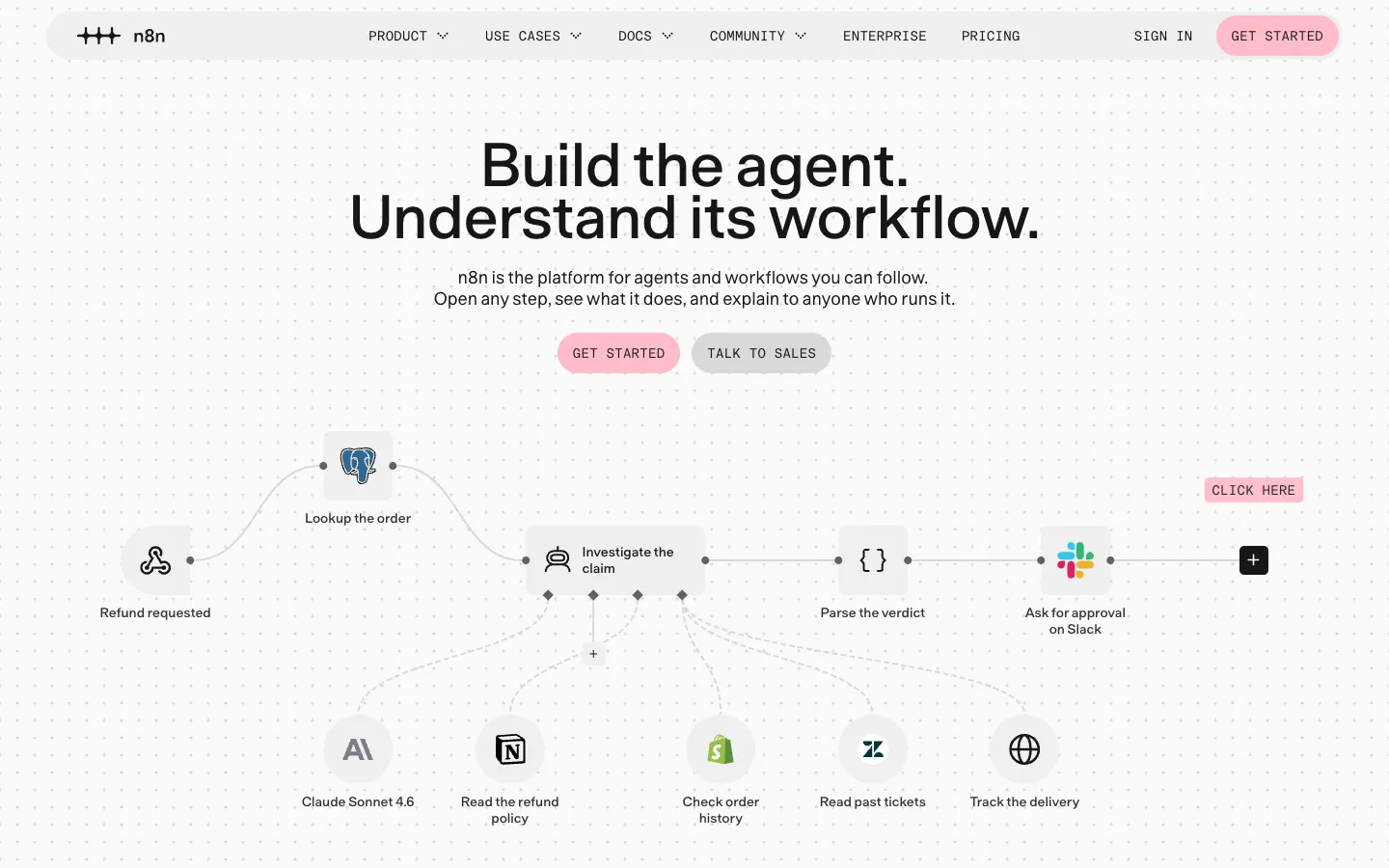
n8n also maintains the self-hosted AI starter kit, an Apache 2.0 Docker Compose template that bundles n8n, Ollama, Qdrant (vector store), and PostgreSQL. It is a quick way to try self-hosted AI agents, but treat it as a starting point: you still need TLS, backups, identity, and a real knowledge source.
Flowise
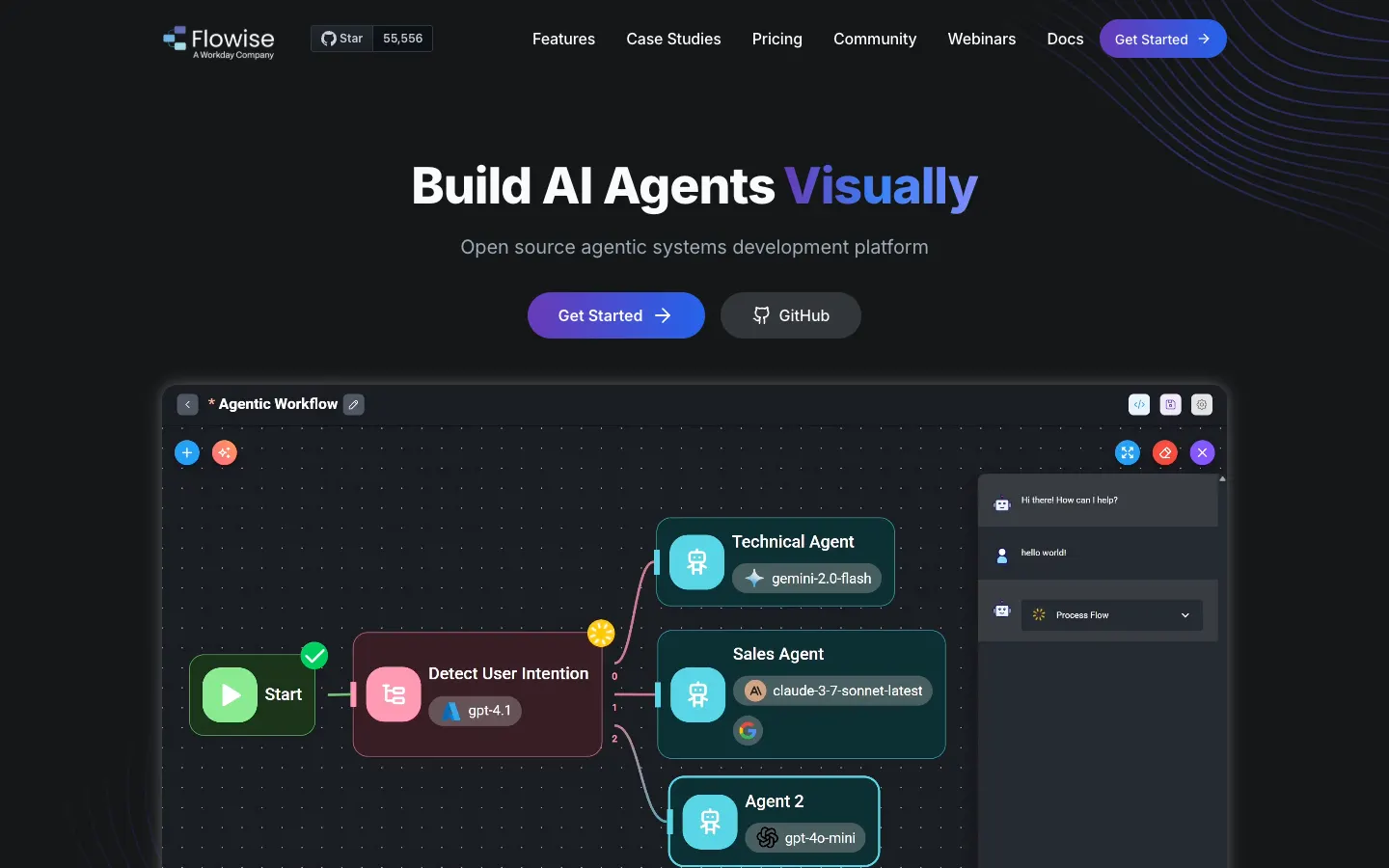
Flowise is a visual builder for LLM apps and agents. Per its license file, most code is Apache 2.0, while the packages/server/src/enterprise directory and some explicitly marked files are under a commercial license. It suits teams building RAG pipelines and agent flows without writing much code.
Status: the Flowise team announced it is sunsetting the project. Feature development froze on July 29, 2026, the GitHub repository was archived on August 10, 2026, and official support ended on August 31, 2026. The Apache 2.0 code remains available to fork, but there are no upstream releases or security fixes, so prefer n8n or Dify for new deployments.
Dify
Dify describes itself as an open-source LLM app development platform that combines AI workflows, a RAG pipeline, agent capabilities, and model management in one interface, deployed with Docker Compose. Its license is a modified Apache 2.0 with two extra conditions: you need written authorization to run a multi-tenant environment (Dify defines one tenant as one workspace), and you may not remove or change the logo or copyright information in its frontend. Check those conditions before you give separate teams or customers their own workspaces.
License summary (as of November 2026)
| Tool | License | Watch for |
|---|---|---|
| Ollama, LocalAI, LibreChat, AnythingLLM, BookStack | MIT | Little; keep notices |
| vLLM, Qdrant | Apache 2.0 | Little; keep notices |
| pgvector | PostgreSQL License | Little; keep notices |
| LiteLLM | MIT + enterprise directory | enterprise/ directory has its own license |
| Open WebUI | Open WebUI License | Branding clause above 50 users |
| Outline | BSL 1.1 | No commercial "Document Service" |
| n8n | Sustainable Use License | Internal use only; .ee files need a license |
| Flowise | Apache 2.0 + commercial | Enterprise directory; repository archived in August 2026 |
| Dify | Modified Apache 2.0 | Multi-tenant use and frontend logo changes need permission |
| AFFiNE | MIT client, EE backend | Free to self-host up to 10 seats per workspace |
Choosing: use n8n when agents need to act across many business systems (ticketing, CRM, email). Flowise was a common pick for LLM chains and retrieval apps, but it reached end of life in August 2026, so consider it only if you are ready to maintain a fork. Use Dify when you want one platform to build and publish internal LLM apps with built-in retrieval.
Do you need an AI gateway or a vector store?
Neither is required for a pilot. Both become useful as more apps and people share the stack.
AI gateway: LiteLLM
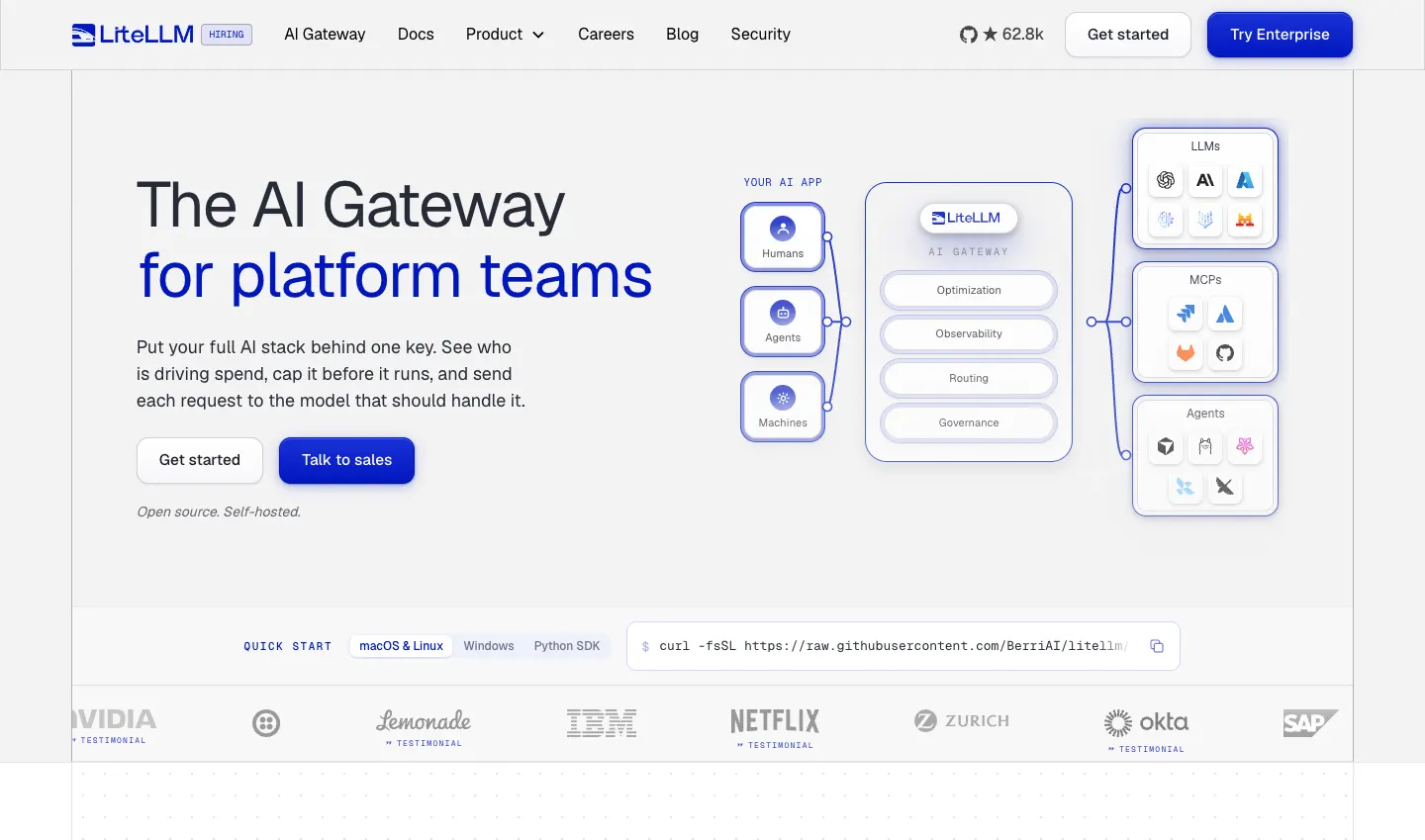
LiteLLM is an AI gateway that puts many model providers, including self-hosted servers, behind one OpenAI-format API. Its proxy can issue virtual keys, track spend per key, and control which models each key can call. The code is MIT, except the enterprise/ directory, which has its own license. Add a gateway when several apps share the same models or when you mix self-hosted and commercial models. For a single-app pilot, it is one more service to run.
Vector store: Qdrant or pgvector
Retrieval-augmented generation (RAG) needs somewhere to keep embeddings. Qdrant is an Apache 2.0 vector database that runs as its own service; the n8n starter kit uses it. pgvector adds vector search to PostgreSQL under the PostgreSQL License, so embeddings can live in a database you already back up. AFFiNE's official Compose file already uses PostgreSQL with pgvector for workspace indexing. Tools such as AnythingLLM and Dify also ship their own retrieval, so check what your stack already includes before you add a separate store.
Retrieval quality depends more on the documents than on the database. Our guide to building an AI knowledge base covers chunking, testing, and keeping sources current.
Which self-hosted AI stack fits your team?
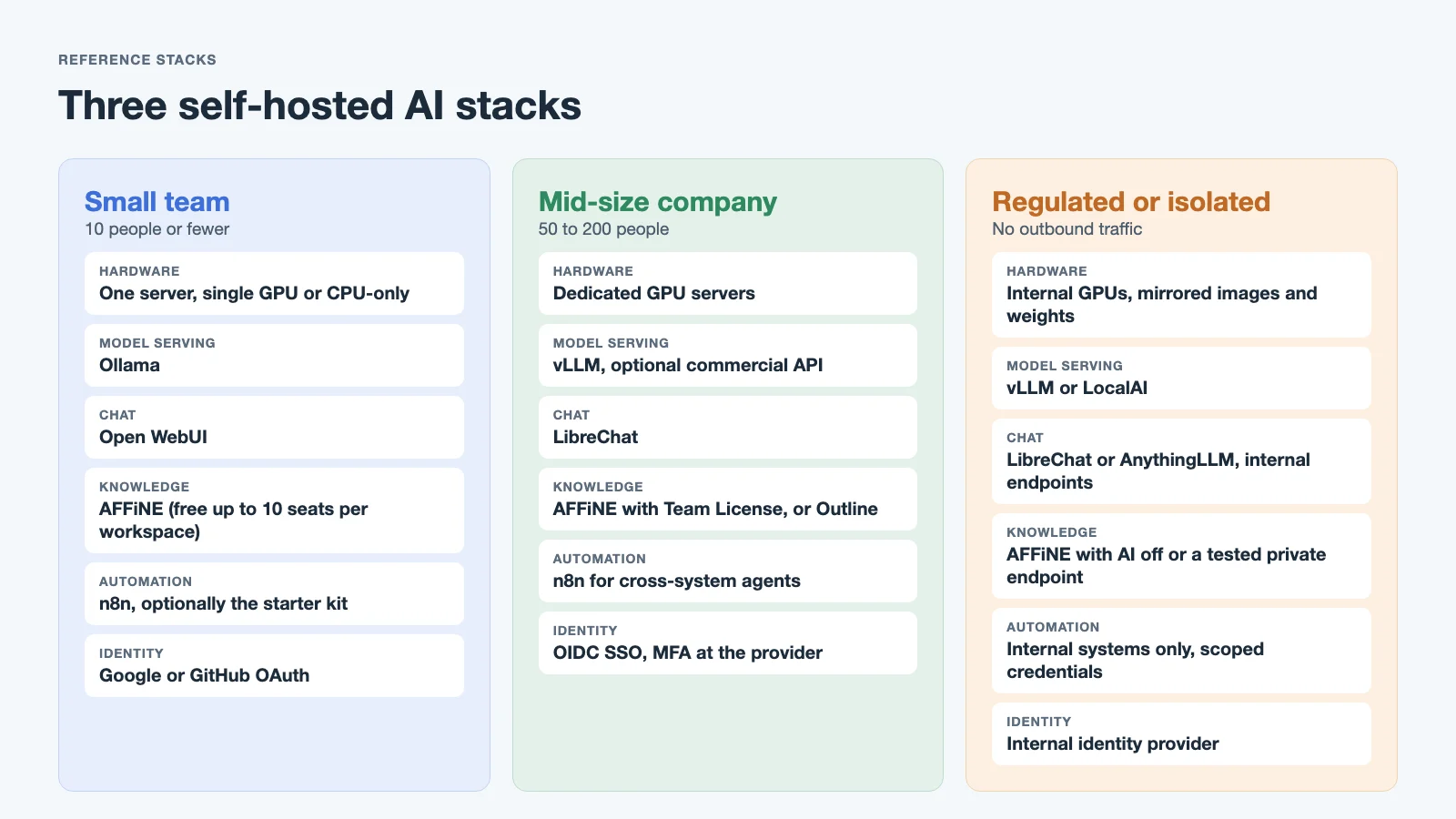
Small team (10 people or fewer)
- Hardware: one server or workstation with a single GPU, or CPU-only with small models.
- Model serving: Ollama.
- Chat: Open WebUI (well within its 50-user branding threshold).
- Knowledge: AFFiNE on the free self-hosted tier. Follow our Docker deploy guide.
- Automation: n8n, possibly started from the starter kit.
- Identity: Google or GitHub OAuth is often enough at this size.
50 to 200 person company
- Hardware: one or more dedicated GPU servers.
- Model serving: vLLM for throughput, optionally a commercial API under a business agreement for frontier tasks.
- Gateway: LiteLLM in front of vLLM and any commercial APIs, with one key per consuming app.
- Chat: LibreChat, routing to both self-hosted and commercial models from one UI.
- Knowledge: AFFiNE with a Team License for the extra seats, or Outline if you want docs only. For contracts and deployment support at this size, see AFFiNE for enterprise.
- Automation: n8n for cross-system agents.
- Identity: OIDC SSO through your identity provider for every layer that supports it, with MFA enforced there.
Regulated or isolated environment
- Network: no outbound internet from the AI stack. Mirror container images and model weights internally.
- Model serving: vLLM on internal GPUs, or LocalAI where hardware is mixed or CPU-only.
- Chat: LibreChat or AnythingLLM pointed only at internal endpoints.
- Knowledge: AFFiNE with AI disabled, or with an admin-approved private OpenAI-compatible endpoint after you test the features you need. AFFiNE's Team Plan checks license keys over the internet, so an isolated network needs an Installable License. BookStack is an option for plain documentation.
- Automation: limited to internal systems, with every agent credential scoped and reviewed.
For what still works with no connection at all, see our guide to offline AI.
How do the layers connect?
Endpoints. Model servers expose OpenAI-compatible APIs. Chat UIs, workspaces, and automation tools point at a base URL plus a key. Put a reverse proxy with TLS in front of model servers, and do not expose them to the internet.
Keys. Issue a separate key per consuming app so you can rotate or revoke one without breaking the others. A gateway such as LiteLLM can issue and track these keys in one place.
Identity. Use one identity provider. AFFiNE supports OIDC SSO plus Google and GitHub OAuth; enforce MFA at the provider. Check each other tool's docs for its SSO options before you commit.
MCP for agents. The Model Context Protocol lets agents use tools and data sources through a standard interface. Through AFFiNE's workspace MCP endpoint, a compatible client can search the workspace and read the documents its credential allows, for example to pull a spec into a coding session. Give each client its own credential so you can rotate or revoke it, and read our MCP security best practices before you connect agents to internal data.
The compatibility caveat. "OpenAI-compatible" describes the API shape, not behavior. Tool calling, structured output, streaming, embeddings, and context length vary by model and serving engine. Before rollout, test each feature you depend on, in each app, against each model. For a step-by-step version of this with AFFiNE, see deploying AFFiNE with AI.
What does self-hosted AI cost to operate?
License fees are rarely the biggest cost. Plan for these:
- Updates. Model servers, chat UIs, and agent tools release often. Pin versions, read changelogs, and update on a schedule, not ad hoc.
- Backups. For AFFiNE, back up the PostgreSQL database, the uploaded files storage, and your configuration. Do the same for every other stateful service. Test restores on a schedule; a backup you have never restored is a guess.
- Monitoring. Track uptime, error rates, disk space, and response latency per layer.
- GPU utilization. GPUs idle most of the night and weekend for a typical company. Low utilization is the main reason self-hosted inference costs more than expected. Measure it before you buy more hardware.
- People time. Someone must own patches, user access, model upgrades, and incidents. Budget a part of an engineer's week even for a small stack.
Is self-hosting AI worth it?
| Factor | Self-hosted stack | Managed / business tier |
|---|---|---|
| Data location | Your network | Vendor's cloud, under contract terms |
| Model quality | Open models only | Frontier models available |
| Upfront cost | Hardware and setup time | Low |
| Ongoing cost | Ops time, power, upgrades | Per seat or per token |
| Customization | Full control | Limited to vendor options |
| Isolation | Possible, including air gap | Not possible |
| Time to value | Days to weeks | Hours |
For many teams the answer is hybrid: self-host the knowledge workspace so your documents stay under your control, and choose per use case whether models run on your hardware or through a vendor API with business data terms.
FAQ
What is self-hosted AI?
Self-hosted AI is AI software, and often the models themselves, running on servers you control. A typical stack includes a model server, a chat interface, a knowledge workspace, and automation tools, all deployed in your own environment.
What is the difference between self-hosted AI and a self-hosted LLM?
A self-hosted LLM is one layer: a language model served on infrastructure you operate, with an engine such as vLLM or Ollama. Self-hosted AI is the whole team stack around it, including chat interfaces, a knowledge workspace, and agents. You can self-host the stack and still call a hosted model.
Can I self-host ChatGPT?
No. OpenAI does not distribute ChatGPT's models for self-hosting. You can self-host open-weight models with a ChatGPT-style interface such as Open WebUI or LibreChat, which gives a similar experience with different model quality.
What hardware do I need for self-hosted AI?
Small models run on a modern CPU or a single consumer GPU. Larger models and many concurrent users need data center GPUs with enough memory to hold the model. Size hardware by the models you need and your peak concurrent users, then measure utilization.
How do self-hosted AI agents work?
An automation tool such as n8n or Dify calls a model, reads context from your systems, and takes actions. Protocols like MCP let agents search and read content in tools such as AFFiNE in a standard way. Scope each agent's credentials narrowly.
Is self-hosted AI secure?
It can be, but self-hosting moves the security work to you. You are responsible for network isolation, TLS, patching, identity, key management, and backups. Self-hosting gives you control over where data goes; it does not make a stack secure by itself.
Does AFFiNE run AI models locally?
No. AFFiNE does not run models. AI is optional and uses provider keys or, if a server admin allows it, an OpenAI-compatible endpoint you operate. Test feature coverage per model before relying on it.
Evaluating AFFiNE for a team?
Self-host free up to 10 seats; Team $10/seat/month billed annually; offline Installable License via sales.